
A clear price is the first step to a sale. This collection of free price quote templates gives businesses, freelancers and contractors more than a dozen editable formats in Microsoft Word and Excel for creating a professional price quotation for products and services. Download the layout that suits you, enter your prices and send a quote your customers can understand at a glance.
A price quote template gives your customers a clear, written price before they commit, and gives your business a consistent way to present offers. Whether you prefer a price quote template in Word for detailed descriptions or a price quote template in Excel for automatic totals, this collection has a layout that fits how you work.
What Is a Price Quote?
A price quote, also called a price quotation, is a document that tells a customer how much specific goods or services will cost and on what terms. It is issued before the sale and normally remains valid for a stated period. If the customer accepts the quote, it guides the order, the contract and the invoice. Clear price quotes help customers compare suppliers, and they help businesses avoid disagreements about what was agreed.
Why Use Price Quote Templates?
A template gives you a ready-made structure, so you only need to add your business details, the customer’s information and the items you are selling. It keeps your quotes consistent, saves time, reduces mistakes and makes your business look professional. The Excel versions calculate totals automatically, while the Word versions give you a flexible layout for text-heavy quotes.
What to Include in a Professional Price Quote
- Business information: name, logo, address, phone, email and website.
- Customer information: name, company and contact details.
- Quote number and date: plus an expiry date.
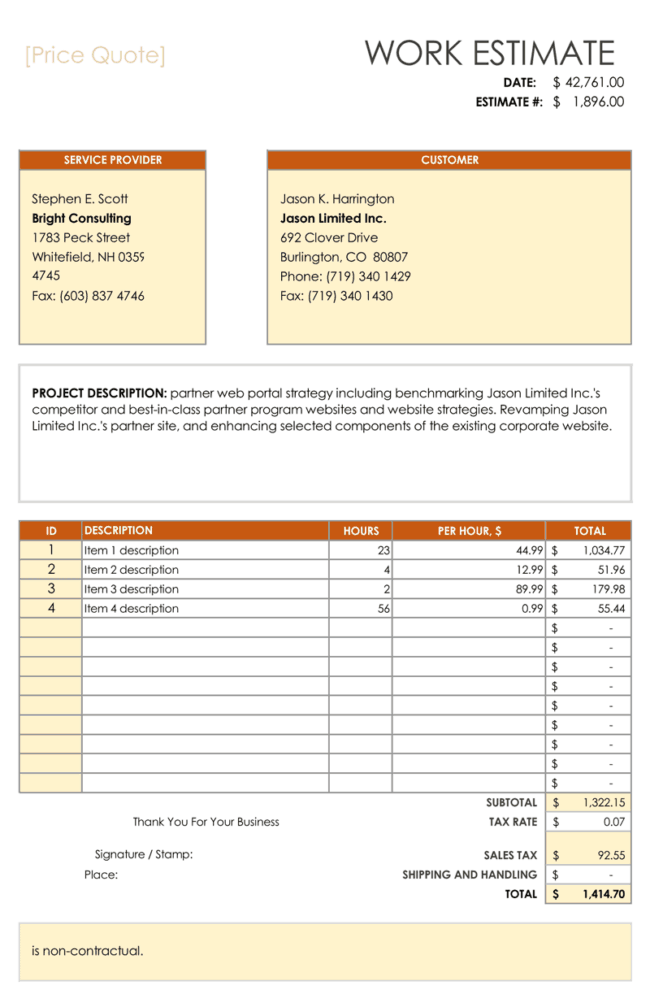
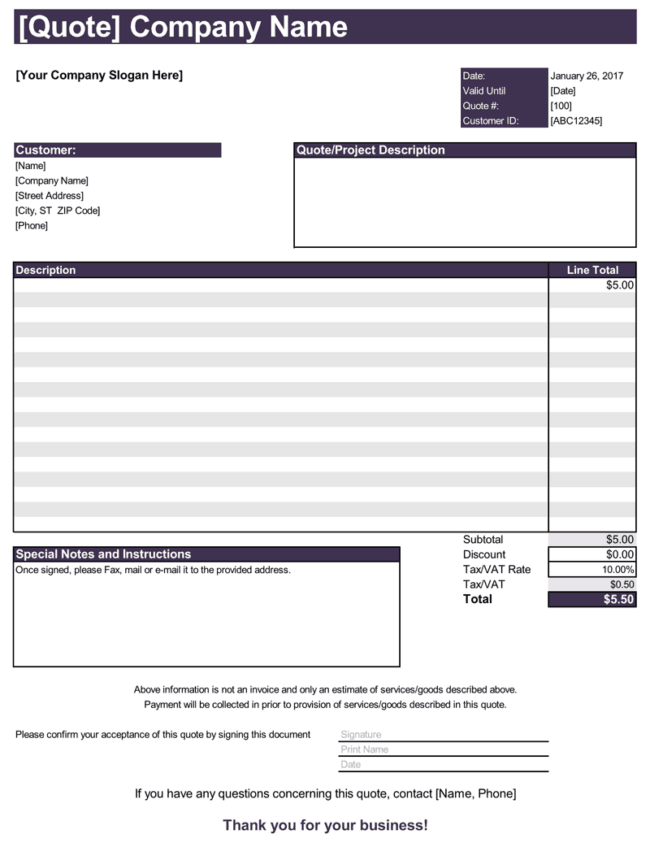
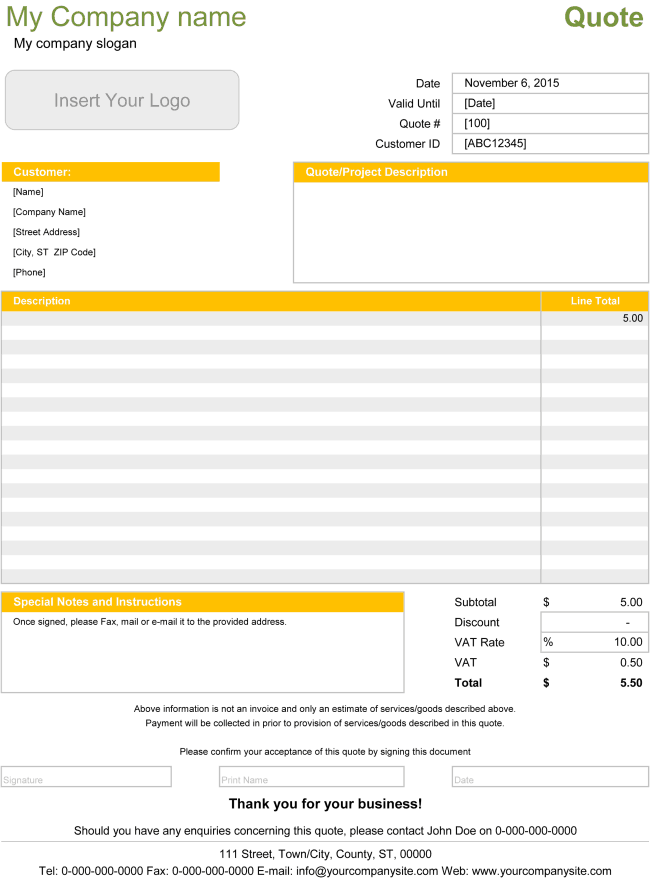
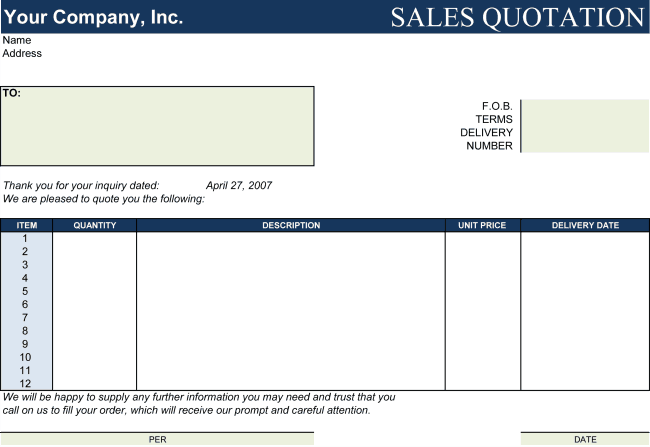
- Itemized list: product or service description, quantity, unit price and line total.
- Discounts, taxes and shipping: shown as separate lines.
- Grand total: the final price in the currency you will invoice.
- Payment and delivery terms: deposit, due dates, delivery time and method.
- Terms and conditions: warranty, returns, cancellation and liability.
Word or Excel: Which Price Quote Template Should You Choose?
Choose Excel if you want automatic calculations, easy sorting and the ability to add many lines. Choose Word if you prefer a document layout with paragraphs, tables and design elements. Many businesses keep both: Excel for detailed price lists and Word for short, narrative quotes. The templates below are grouped by format so you can go straight to the type you need.
Examples of Price Quote Line Items
A price quote can list almost anything. A retailer might quote Office chair, model X, quantity ten, unit price 85, total 850. A consultant might quote Strategy workshop, one day, fixed fee 1,200. A printer might quote Business cards, five hundred pieces, full color, 45. Keep each description short but precise, and mention model numbers, sizes or service levels where they help to avoid confusion.
When you have many items, group them under headings, such as Products, Services and Delivery, and show a subtotal for each group. This makes long quotes easier to read and lets the customer see where the biggest costs are. If you offer a discount for a bulk order or for early payment, show it as a separate negative line so the customer can see how much they save.
Finally, remember to record the currency, and mention whether prices include or exclude tax. This small detail prevents many misunderstandings, especially when you work with customers in different regions.
Writing Line Items Customers Understand
The way you describe each line affects how customers see your price. Good line items:
- Start with the result, such as installation of three ceiling lights, rather than an internal code.
- Include size, quantity, model or duration so the price has context.
- Group related items under headings like Materials, Labor or Delivery.
- Show discounts as a separate line so the value is visible.
- Keep wording consistent from quote to quote.
Clear lines make a simple price quote feel trustworthy and reduce follow-up questions.
Following Up on Price Quotes
Keep a simple list of quotes sent, their dates and their status. A polite follow-up a few days after sending gives the customer a chance to ask questions and often turns a pending customer price quote into an order.
Price Quote Template: Key Terms Explained
- Price quote: A written offer stating the price for specific goods or services.
- Itemized pricing: A breakdown of the total into individual lines.
- Discount: A reduction shown as its own line to make the saving visible.
- Tax: The sales tax or VAT applied to the subtotal, where applicable.
- Validity: The period during which the price is guaranteed.
- Acceptance: The customer’s written approval of the quote.
Presenting Options in a Price Quote
When customers are comparing budgets, offering a basic, standard and premium option on the same price quote form can make the decision easier. Show each option with its own subtotal and a short note on what is included. Customers often choose the middle option when the differences are clear, and you avoid sending several separate quotes.
Download Free Price Quote Templates
Download Price Quote Template:
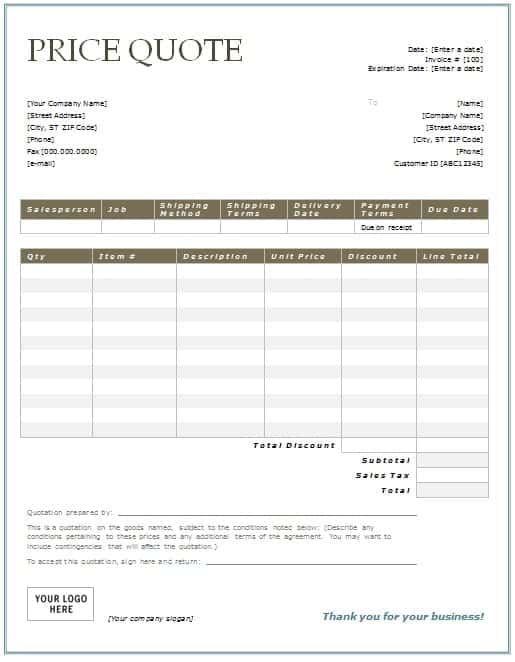
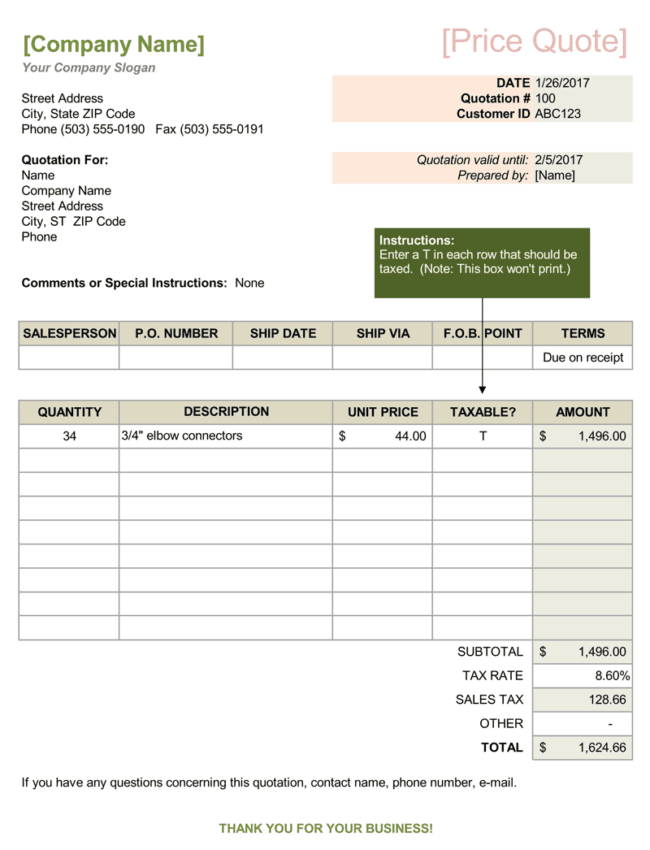
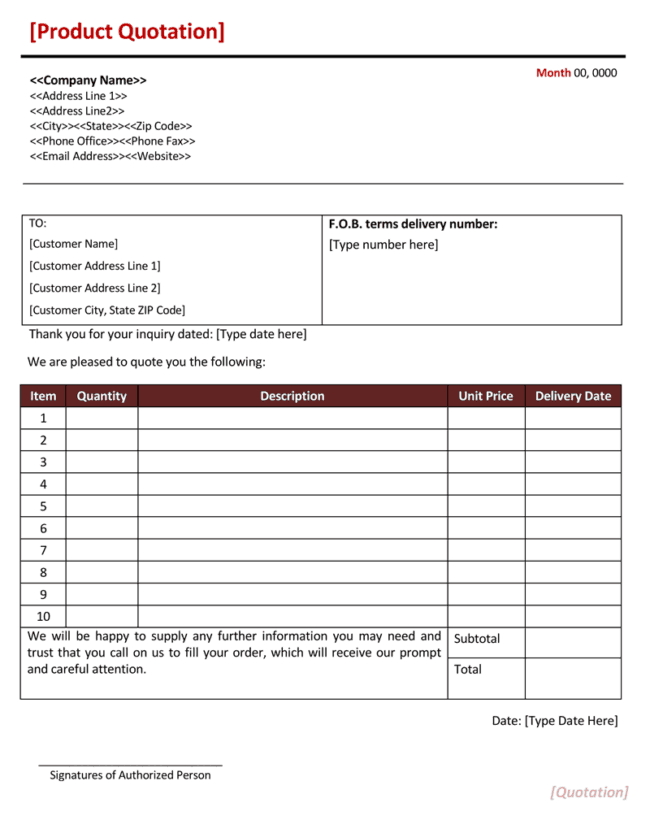
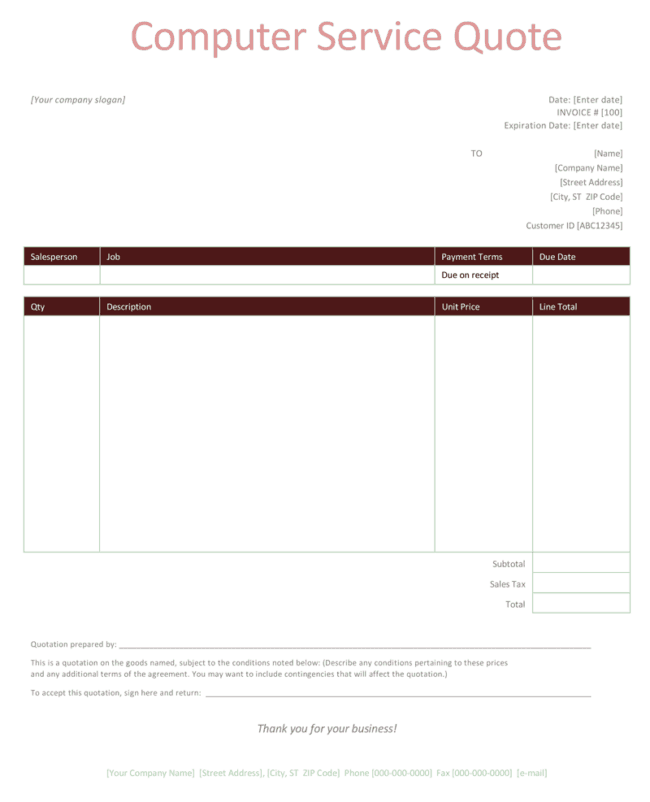
Price Quote Templates in Microsoft Word:


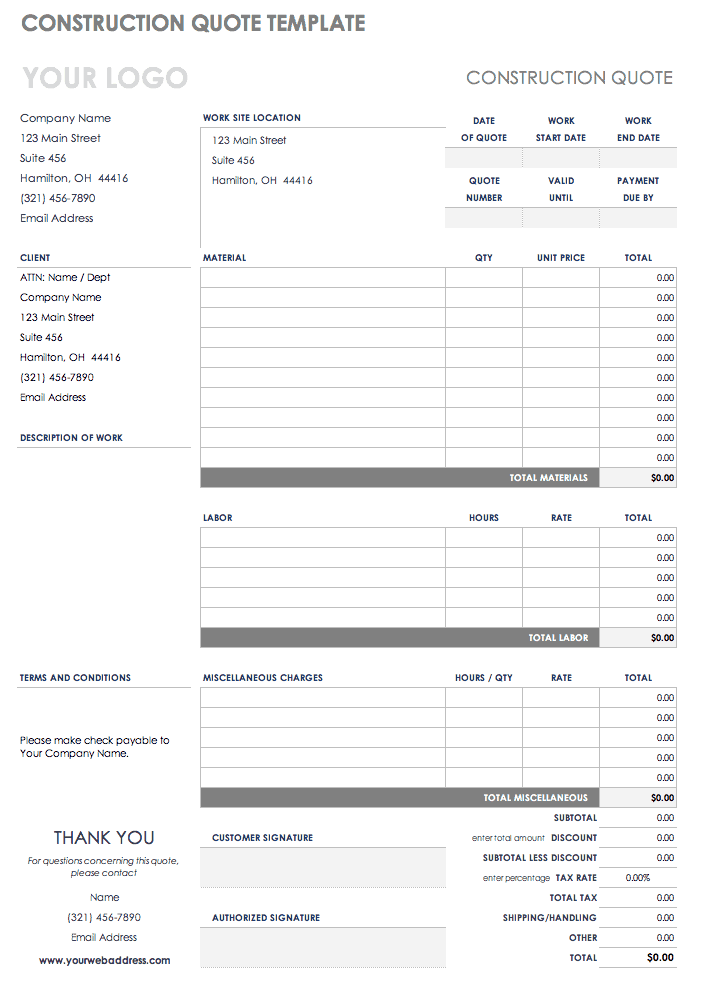
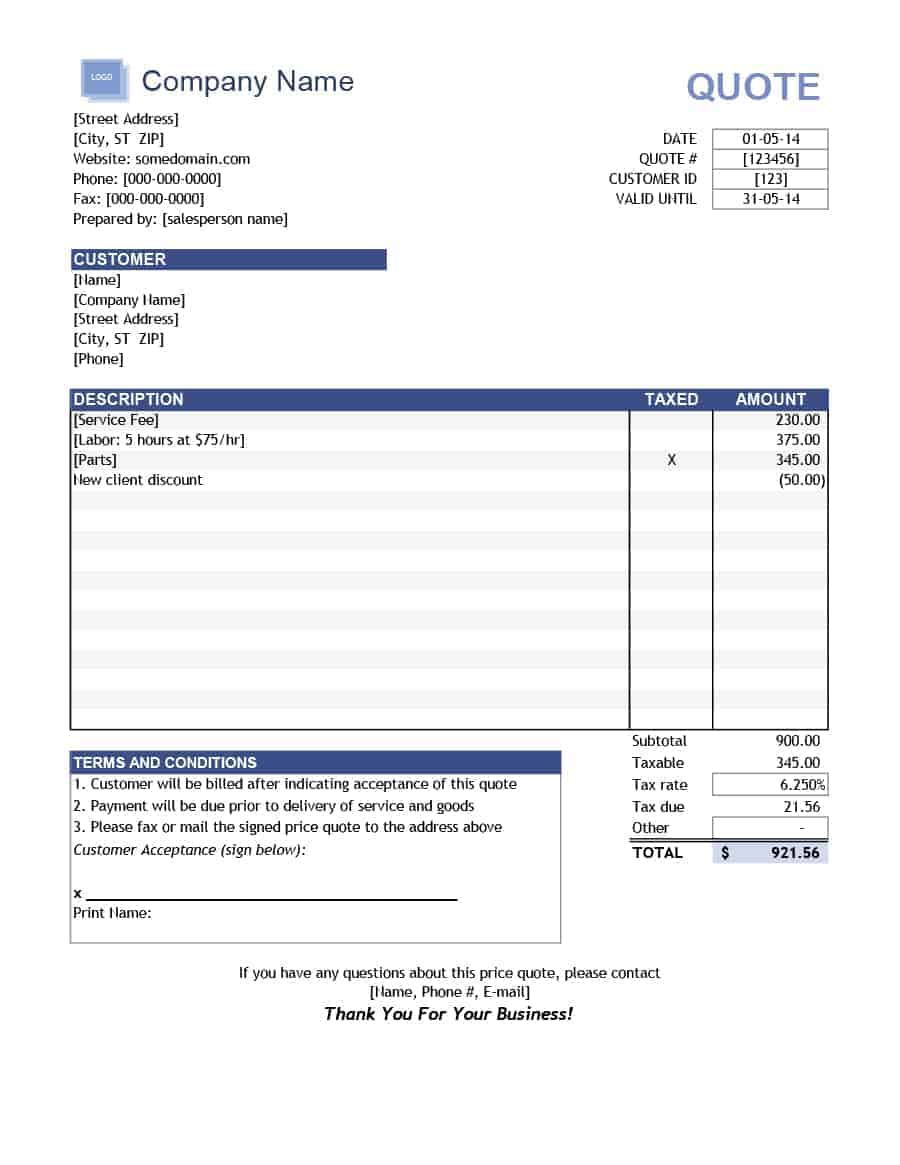
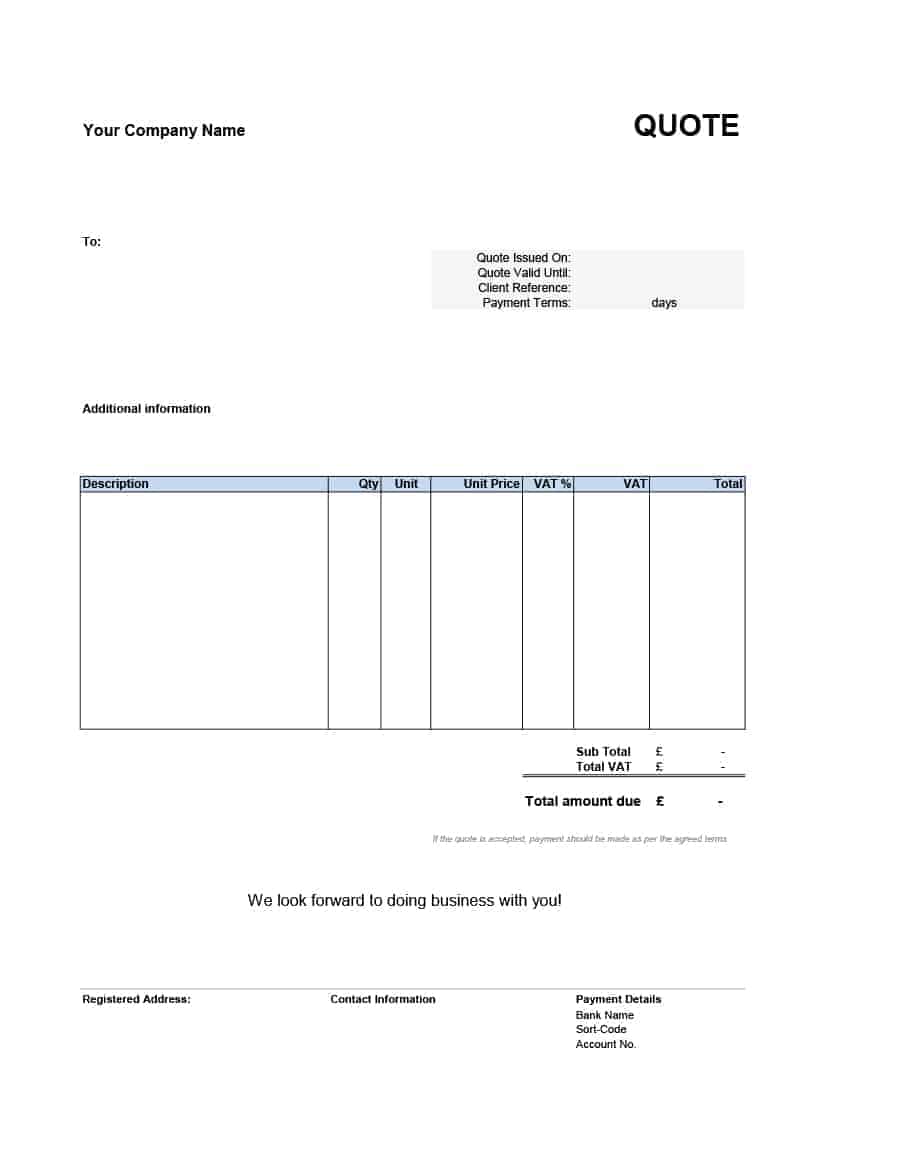
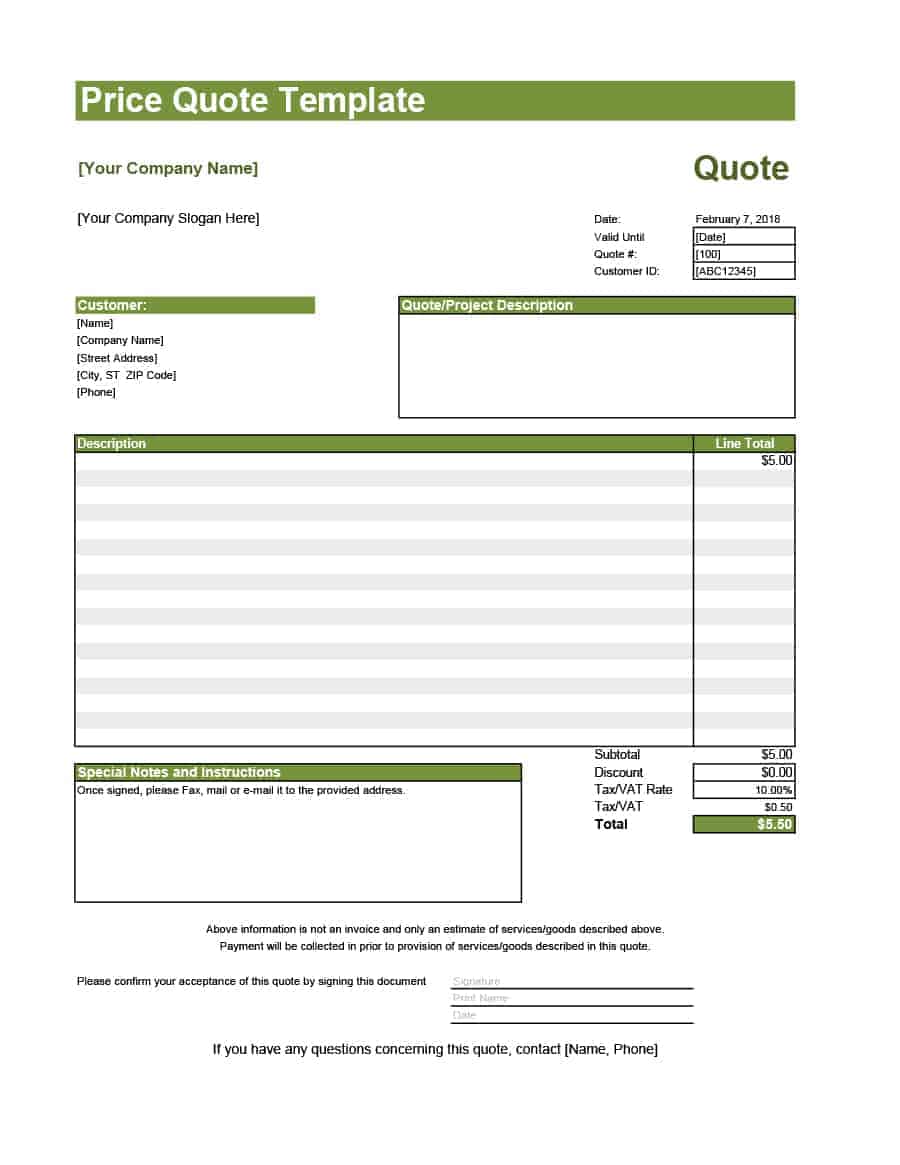
How to Write a Price Quote Step by Step
- Understand the request. Confirm the products or services, quantities and delivery date.
- Calculate your costs. Include materials, labor, shipping and overhead, then add your margin.
- Select a template. Download the format that suits your needs.
- Fill in the details. Add your information, the customer’s details and every item.
- Add terms and validity. Specify payment terms and the expiry date of the offer.
- Review and send. Check the totals and send the quote as a PDF or a printed copy.
Tips for Pricing and Presenting Quotes
Base prices on real costs, not guesses, and review them regularly. Show the value behind your price by mentioning quality, warranty or support. Offer options where appropriate, such as different quantities or service levels. Keep your quote tidy, with aligned numbers and a visible total. Follow up within a few days to answer questions and keep the conversation going.
Who Should Use These Price Quote Templates?
Retailers, wholesalers, freelancers, contractors, consultants, agencies and service businesses can all use these templates. They are also suitable for students and new business owners who are learning how to prepare a quotation.
Frequently Asked Questions About Price Quotes
Are these price quote templates free?
Yes. You can download, edit and use them for your own business at no cost.
What is the difference between a price quote and an invoice?
A price quote is an offer made before the sale. An invoice is a request for payment sent after the goods or services are delivered.
How long should a price quote be valid?
Fifteen to thirty days is common. Use a shorter period if prices can change quickly.
Should I include tax in a price quote?
Show tax as a separate line so the customer can see the subtotal, the tax amount and the total. Follow the rules of your country or region.
Which format is better, Word or Excel?
Excel is better for calculations and long item lists, while Word is better for narrative layouts. Choose the one that fits your workflow.
Can I change the design of the template?
Yes. You can edit the text, colors, fonts and layout, and add your logo to make the template your own.
Can I add my terms and conditions?
Yes. Add a short terms section to the template, or attach your full terms as a separate page.
Is there a template for hourly pricing?
Yes. See our hourly price quote template for jobs priced by time.
Can I send a price quote by email?
Yes. Save the quote as a PDF and attach it to a short email that summarizes the offer and the total.
How detailed should a price quote be?
Detailed enough that the customer understands what is included and what each part costs, but short enough to read in a few minutes.
Related Free Templates
Looking for a different format? You may also find these useful: 2 Free Price Quotation Templates, 2 Free Hourly Price Quote Templates, 9+ Free Word Quote Templates, 17+ Excel quotation templates. You can also browse every template in our Sales & Product Quotes and All Quote Templates categories to find the layout that suits your business best.
Download Your Free Price Quote Template Today
A price quote template saves time, reduces mistakes and helps you present every offer with confidence. Download the free file above, add your own details and branding, and keep a clean master copy for future use. With a consistent, professional document ready to go, you can answer each request faster and give customers everything they need to say yes.
