
Excel makes quoting fast, accurate and repeatable. This collection of free Excel quotation templates gives you more than seventeen editable spreadsheets for creating professional price quotes, estimates and proposals. Pick a layout, type in your items and let the formulas calculate line totals, subtotals, discounts and taxes for you.
What Is an Excel Quotation Template?
An Excel quotation template is a pre-formatted workbook that already contains the sections a quotation needs: your business header, customer details, a table of items with quantities and prices, totals, and terms. Because it is a spreadsheet, it does the arithmetic automatically and can be customized with your logo, colors, currency and extra columns. Each template on this page has a different design, so you can choose the one that suits your industry and style.
Benefits of Using Excel for Quotations
Excel is available on most business computers and works without an internet connection. It reduces calculation errors, saves time on repeat customers and allows you to keep each quote as a separate file. You can protect formula cells, add drop-down lists for standard products and export the finished sheet to PDF. Compared with writing quotes by hand or in a text document, a spreadsheet template gives more consistent and professional results.
What to Include in a Professional Quotation
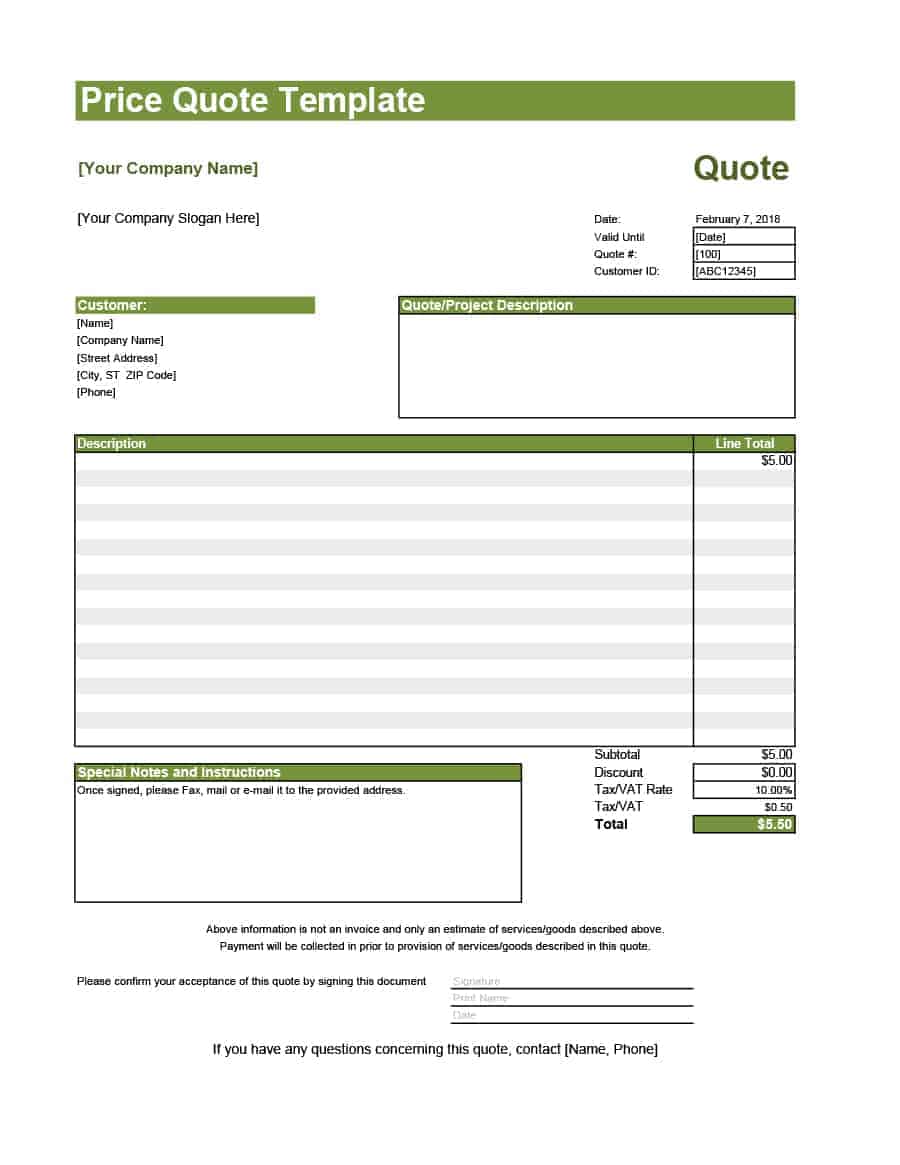
- Company header: logo, name, address, phone, email and website.
- Customer information: name, company, address and reference.
- Quotation number and dates: issue date and expiry date.
- Item table: description, quantity, unit price and total for each line.
- Calculations: subtotal, discount, tax and grand total.
- Terms and conditions: payment terms, delivery, warranty and validity.
- Acceptance: a signature and date area for the customer.
How to Choose an Excel Template
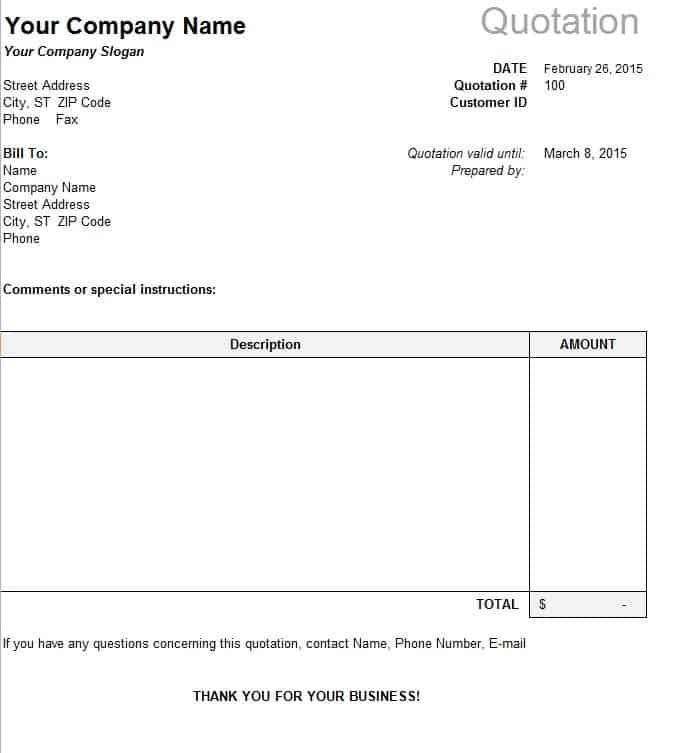
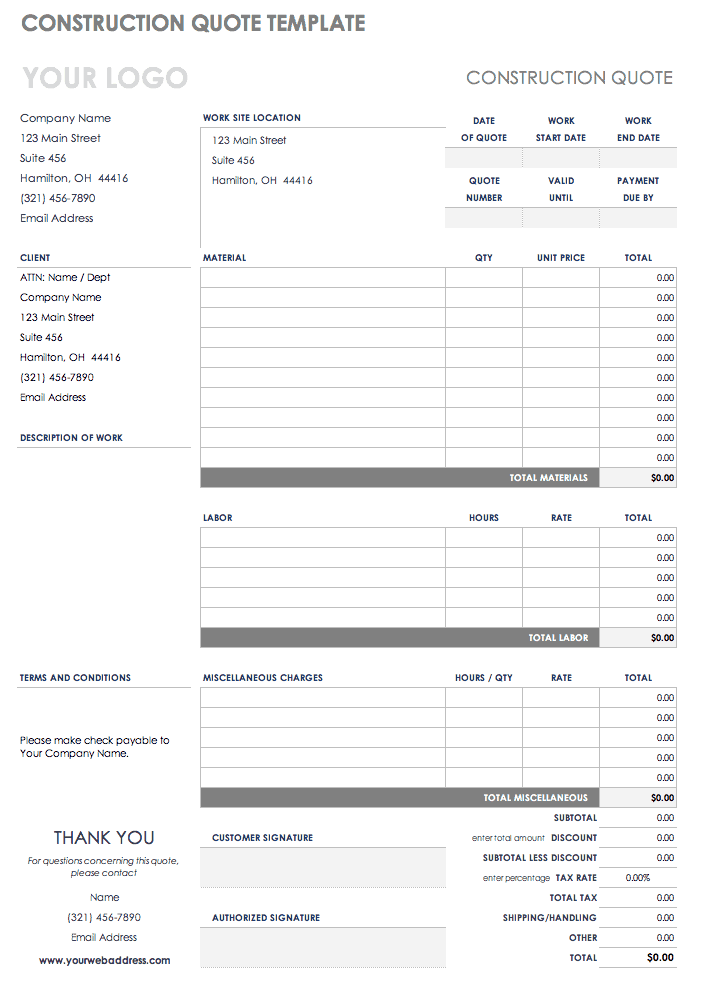
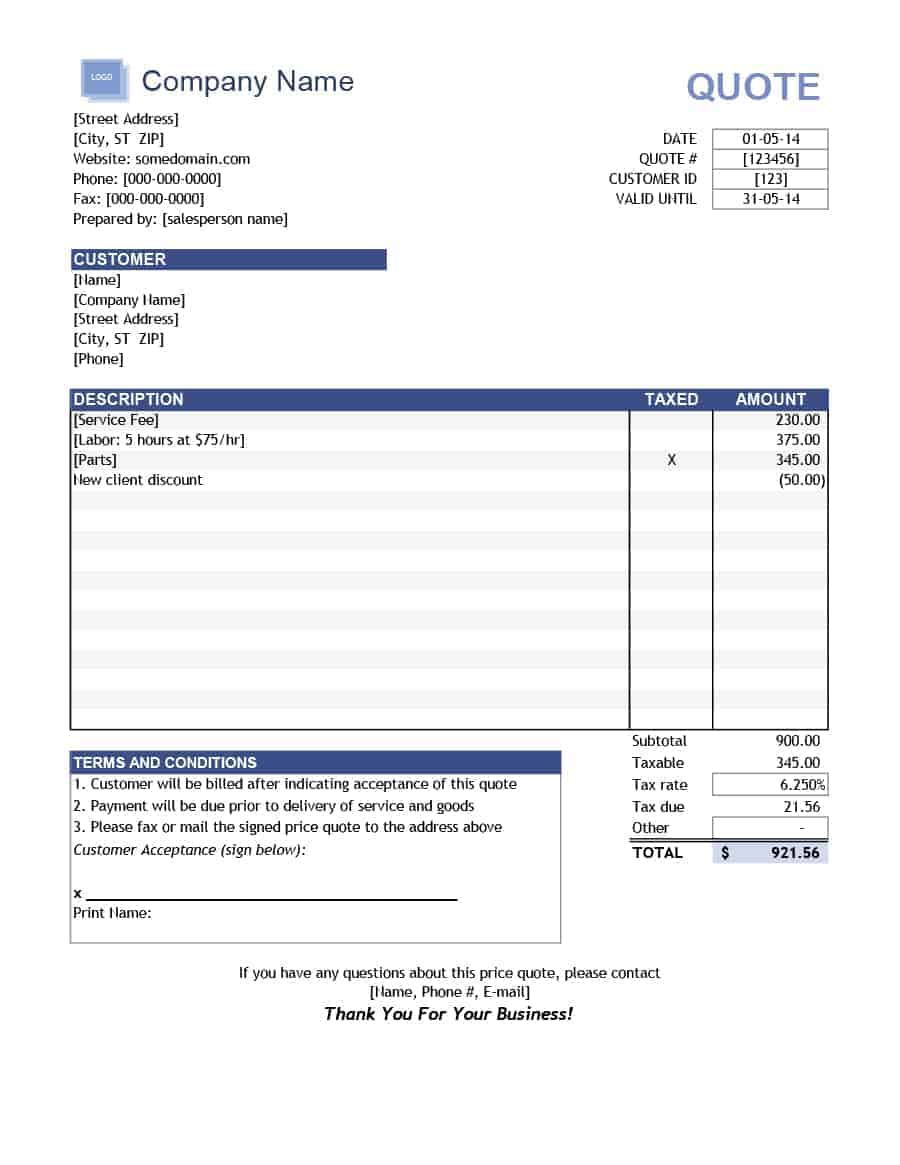
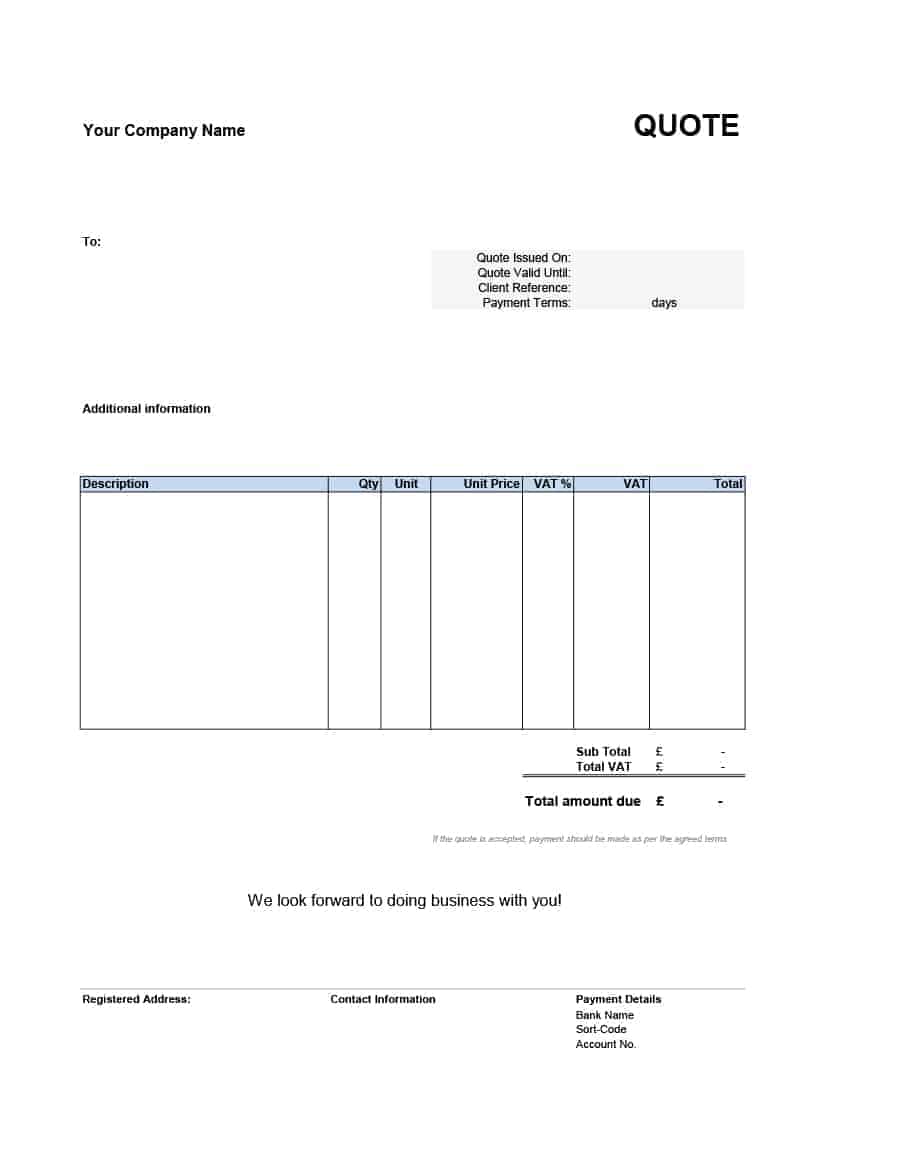
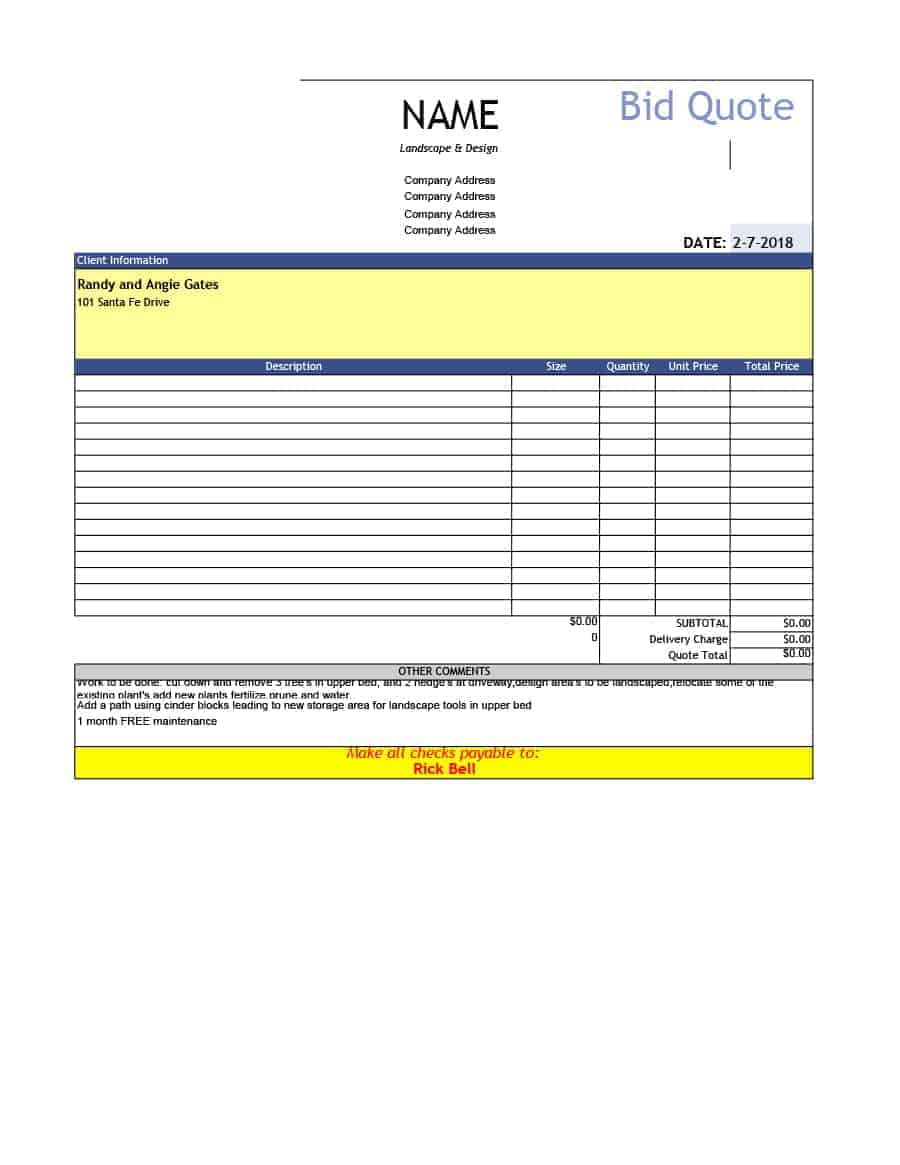
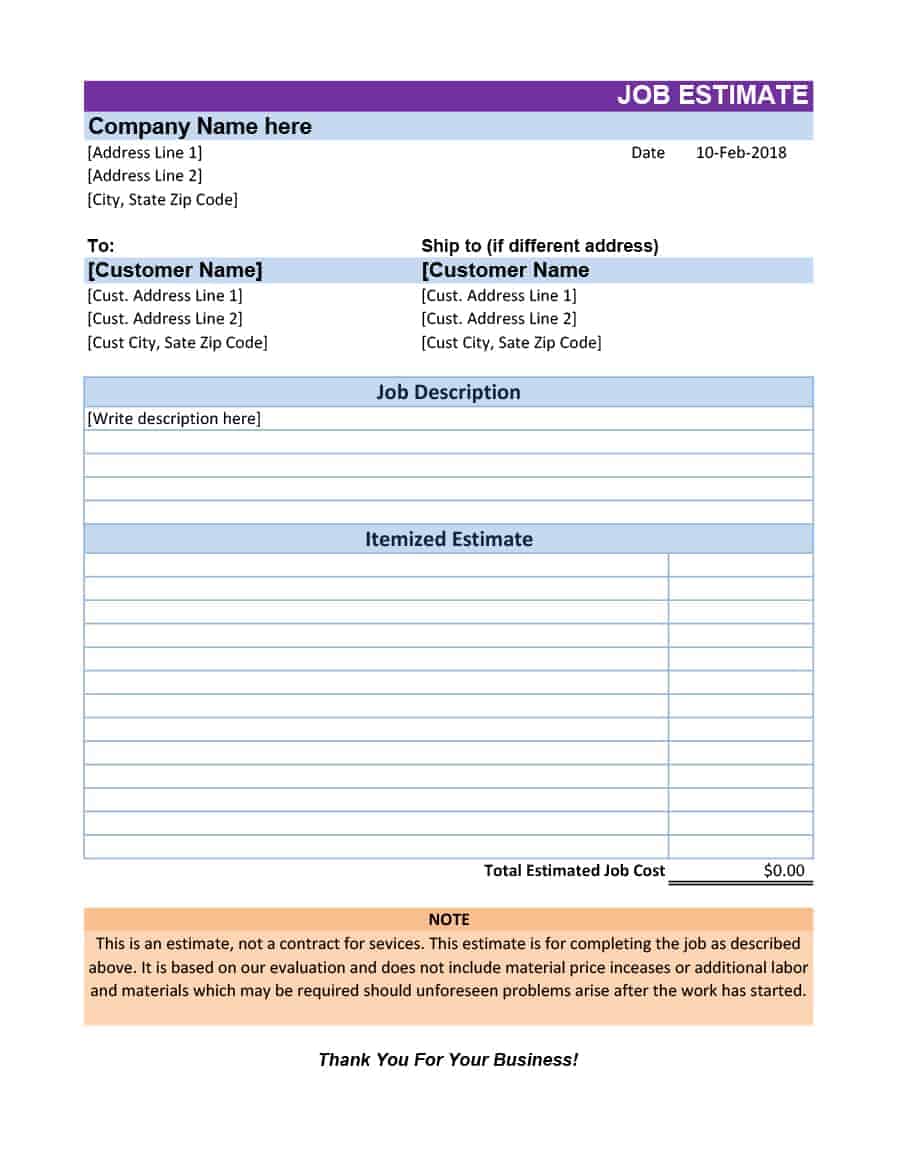
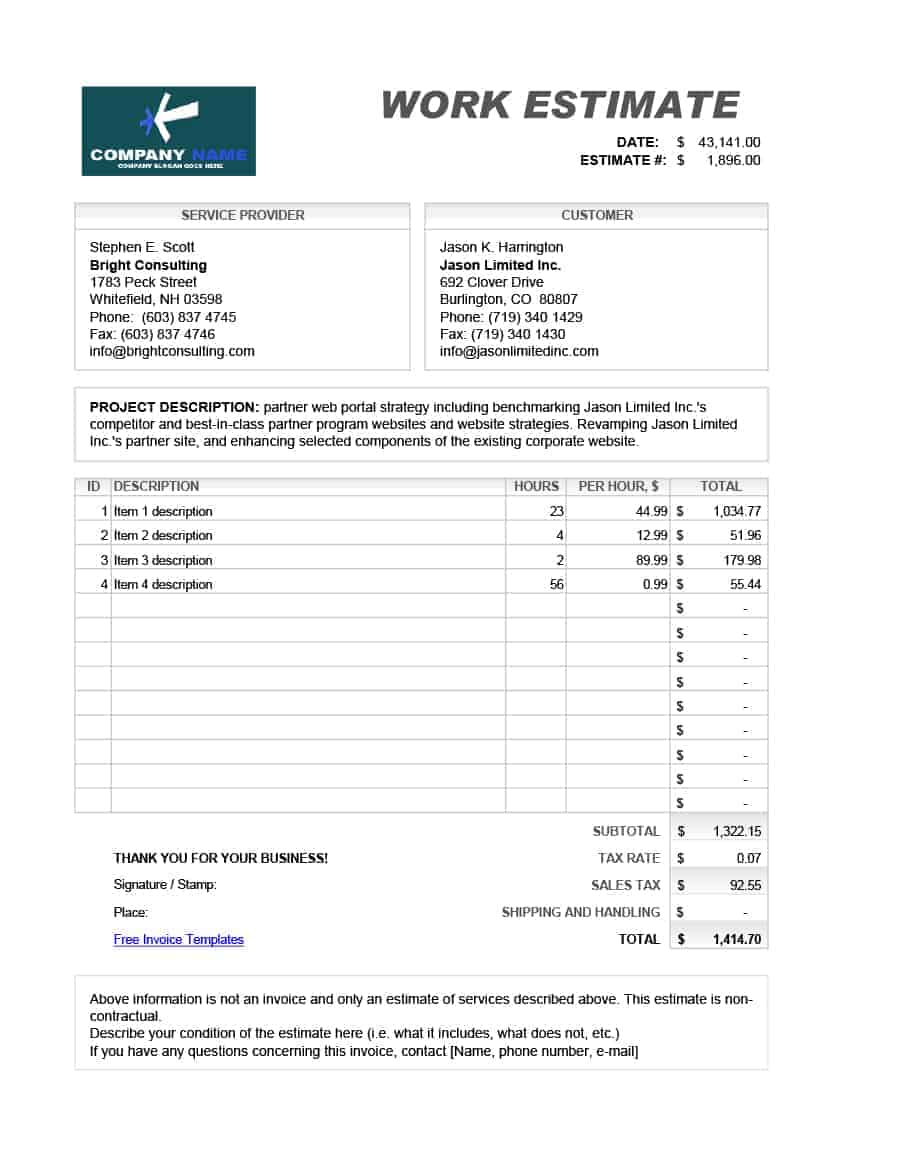
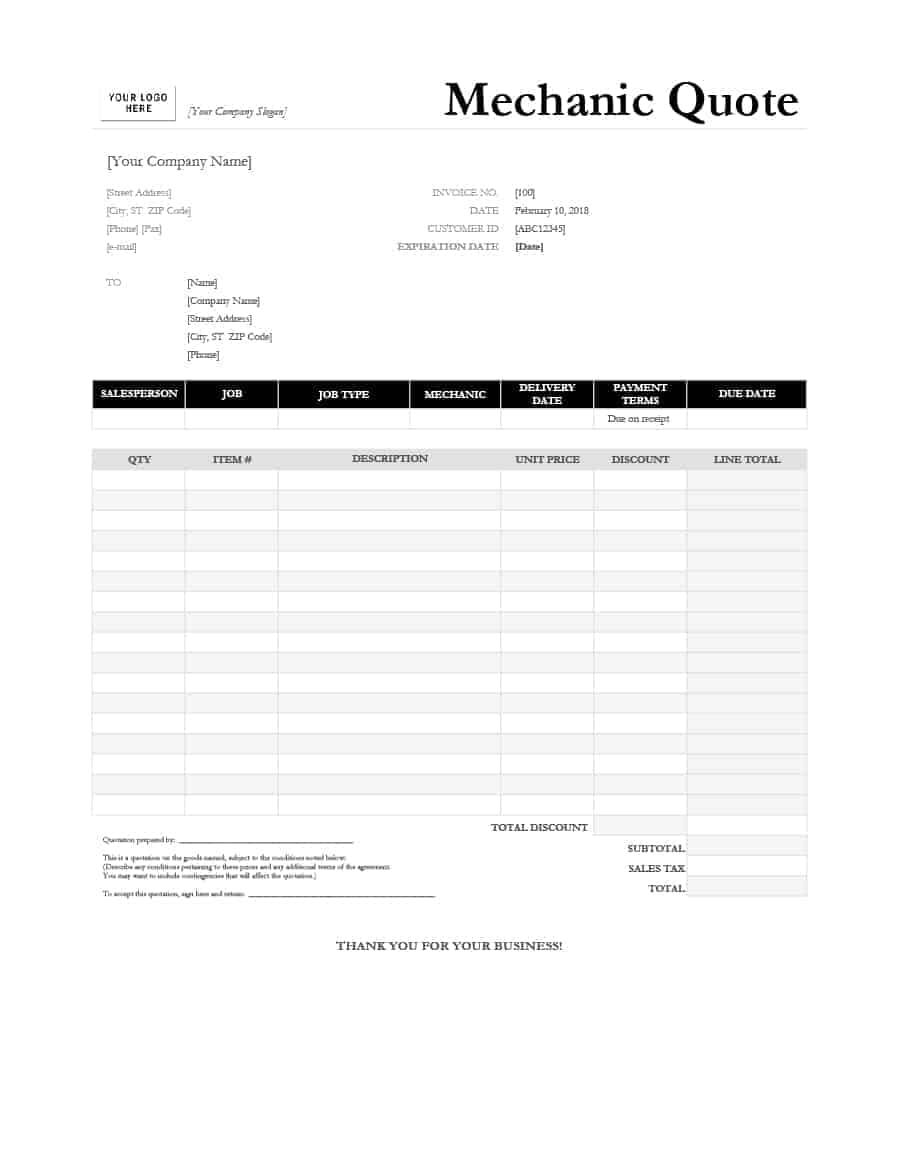
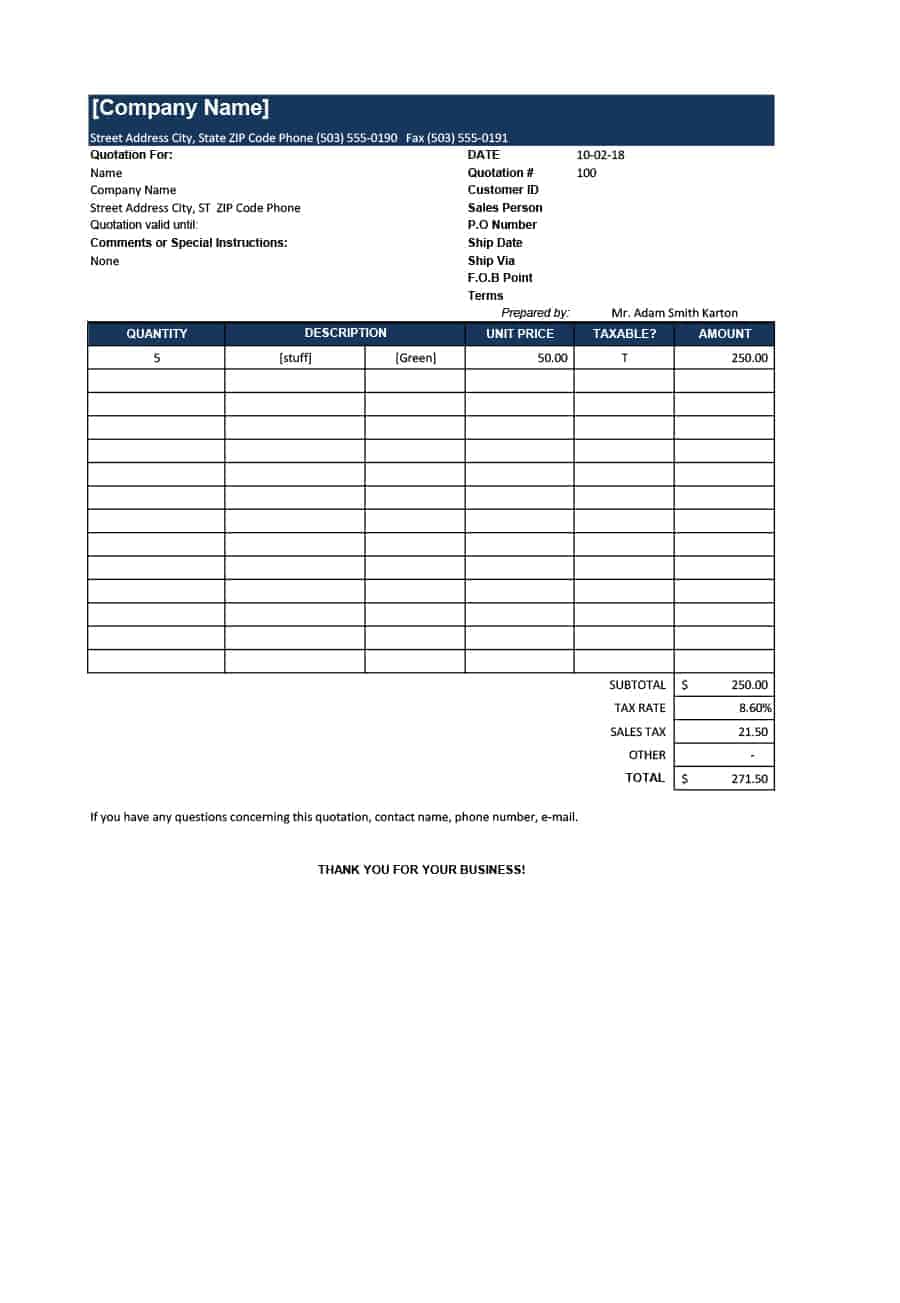
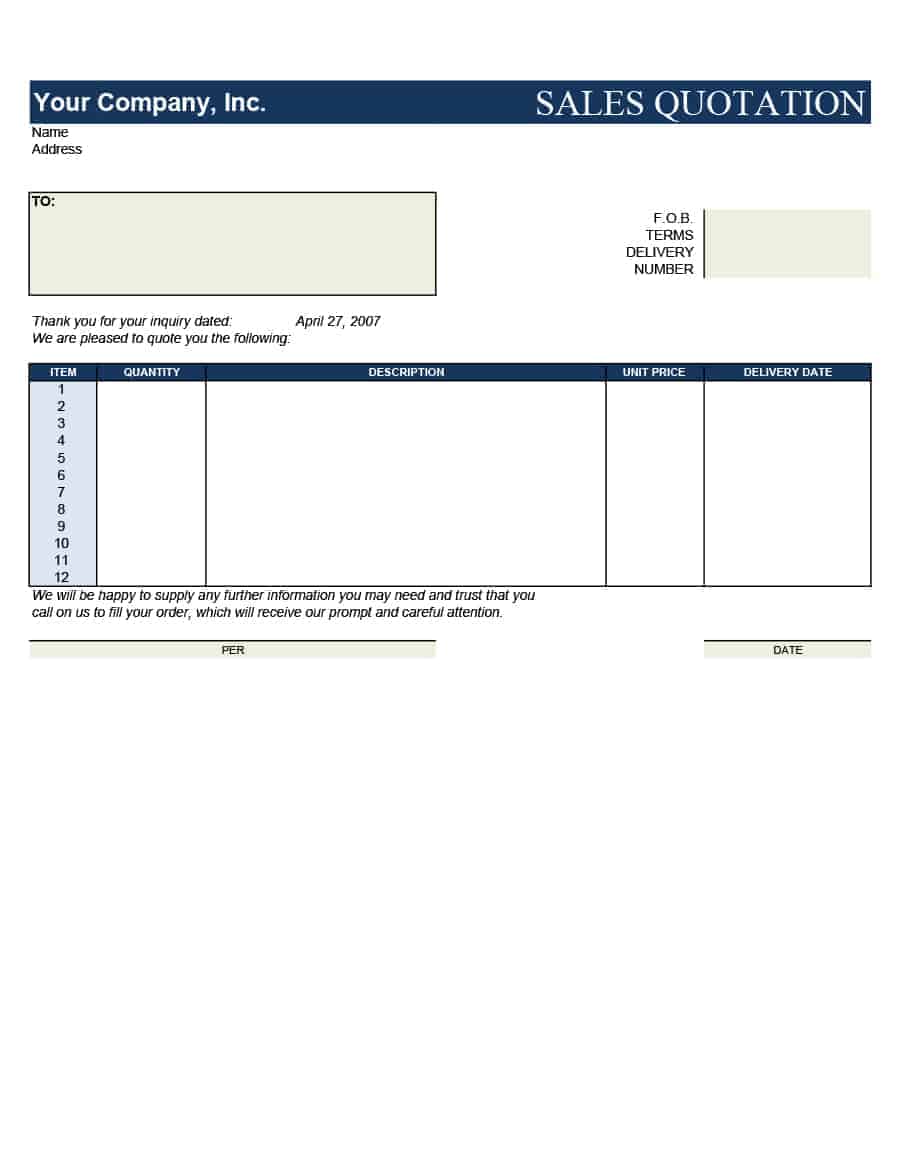
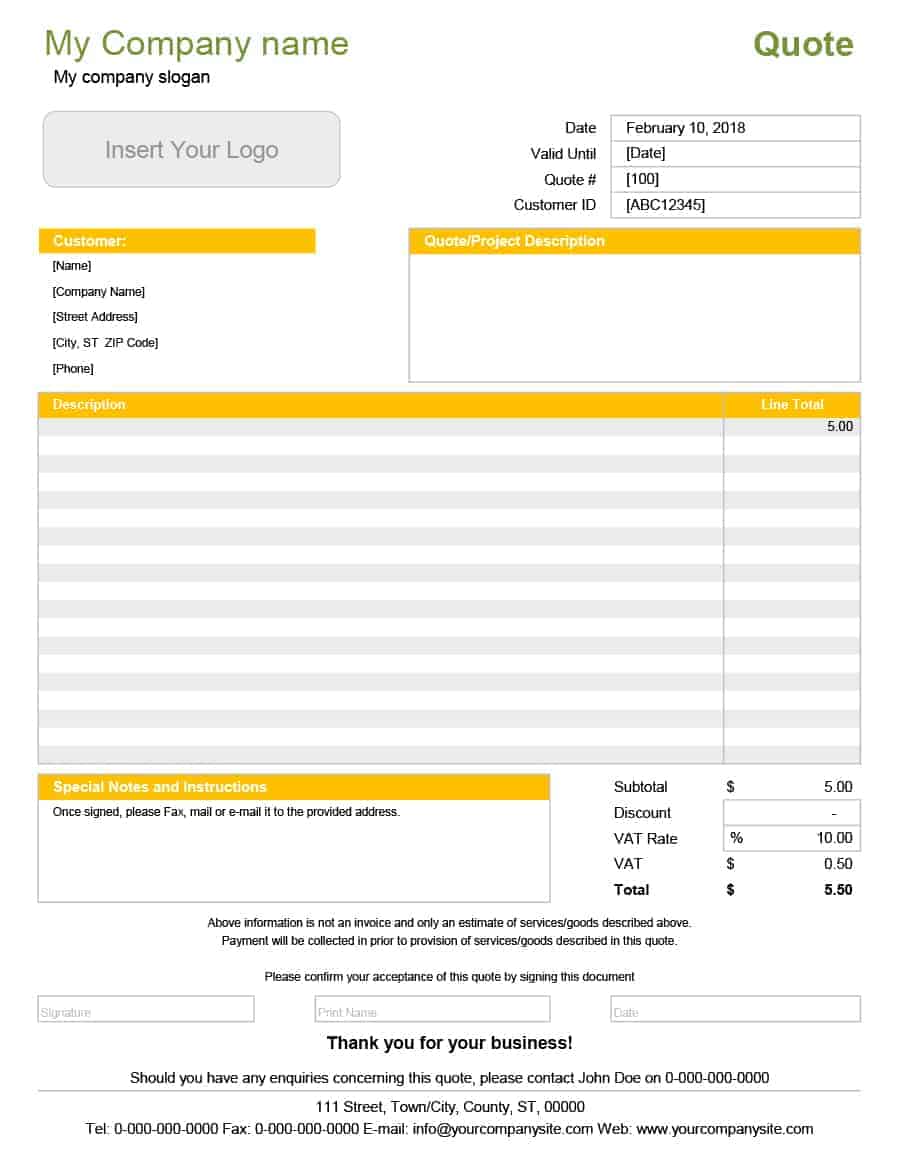
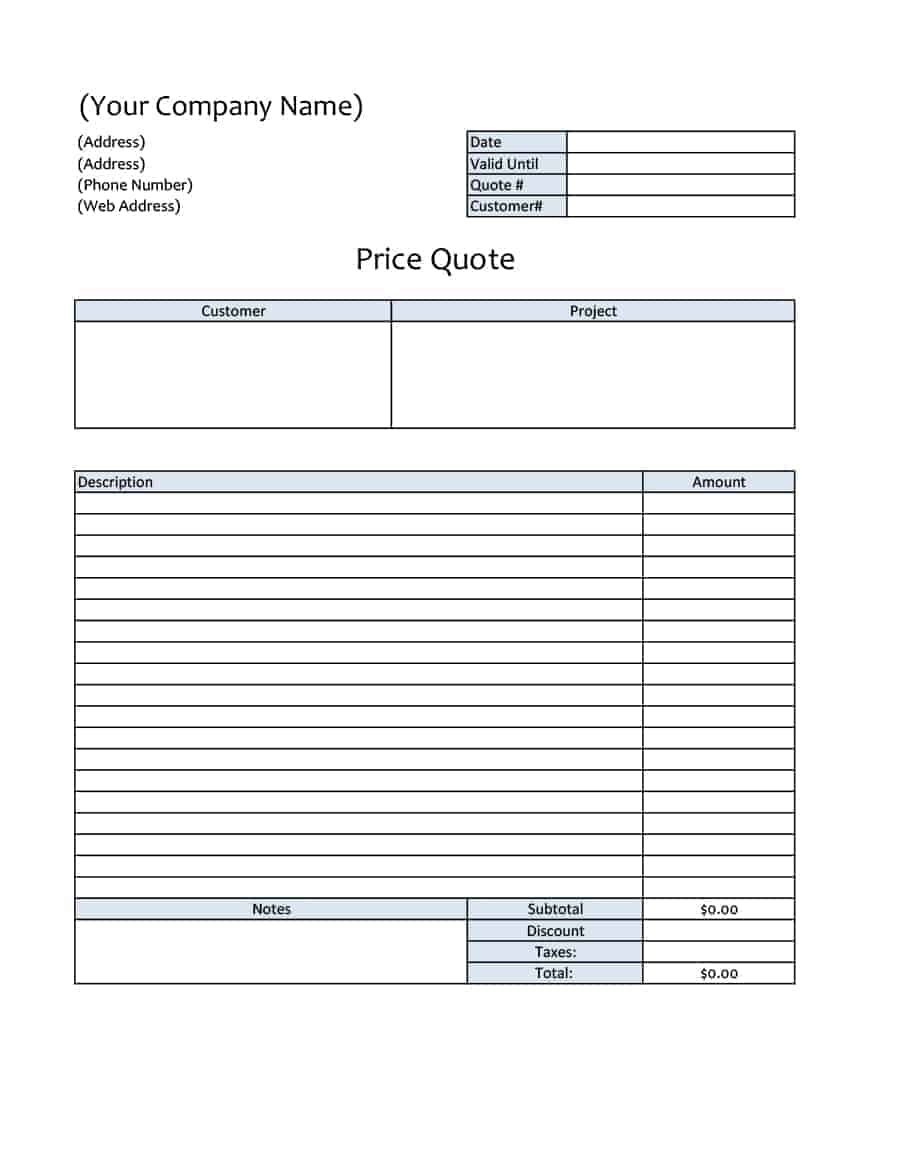
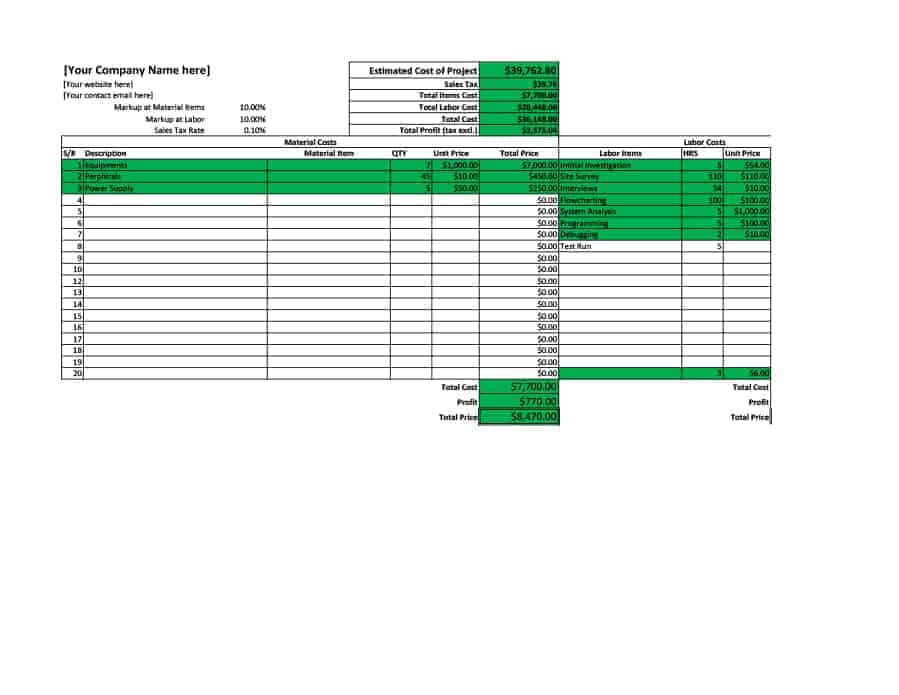
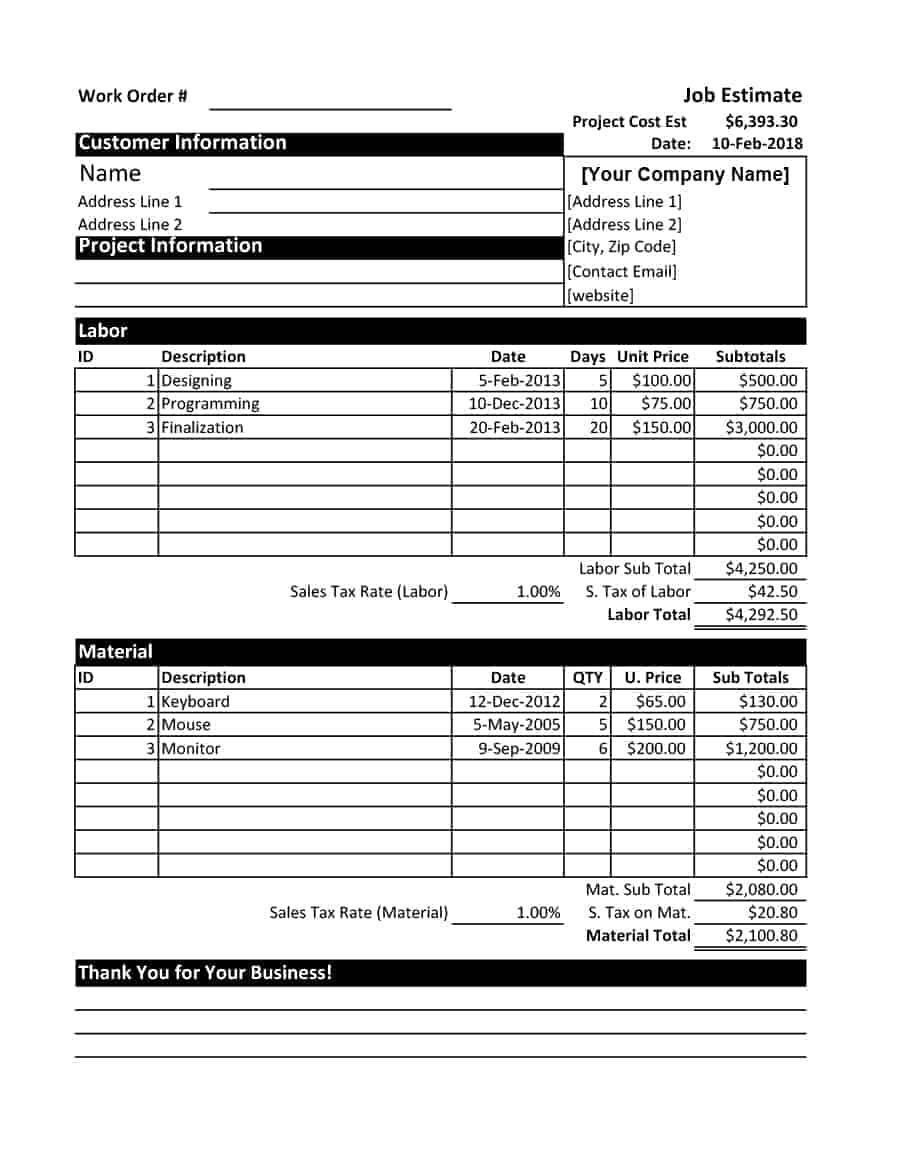
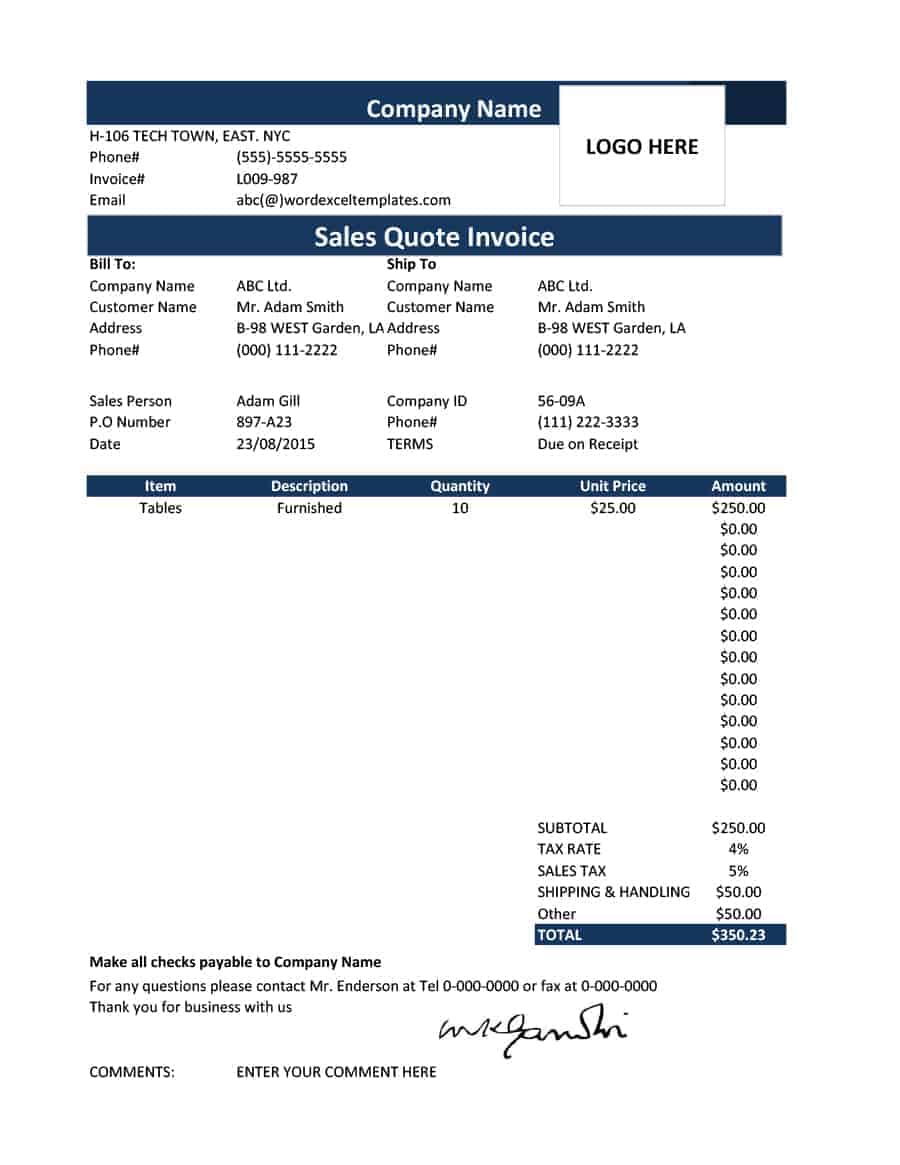
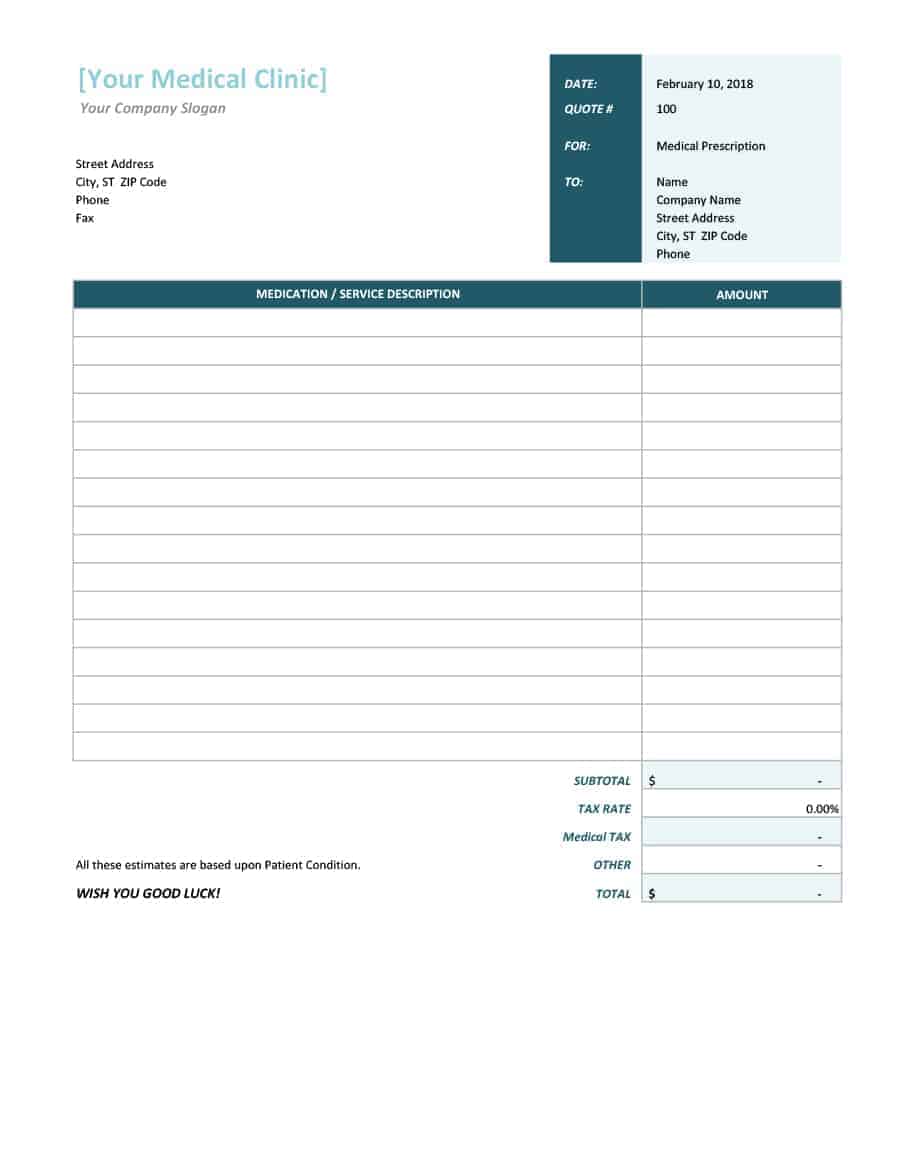
Look at the preview images below and consider what you are quoting. A simple quotation layout suits basic product sales. A price quote layout works well for services and mixed items. The construction quote template includes fields for materials and labor. Choose the layout that needs the fewest changes, download it and adapt it. If you like the design of one template but the fields of another, you can copy sections between workbooks.
Examples of Items You Can Quote in Excel
Excel templates can handle almost any type of quote. A retailer might list products with item codes, quantities and unit prices. A contractor might list tasks such as demolition, framing, wiring and finishing, each with labor hours and material costs. A consultant might list workshops or reports with fixed fees, while an event supplier might list equipment hire with daily rates. The layout is the same in every case, so choose a template and adapt the column headings to your industry.
If you quote the same items repeatedly, create a price list in a second worksheet and use a lookup formula to fill in prices automatically. This keeps your prices consistent, saves typing and makes it easy to update a price in one place. Excel also lets you create drop-down lists, so staff members can select items instead of typing them, which reduces spelling mistakes.
Finally, remember that a quote is a customer-facing document. Even if your spreadsheet contains helpful working columns, hide or delete them before you send the file, and export the finished quote to PDF.
Download Free Excel Quotation Templates
Every template has a preview and a download button. Files are provided in the Excel .xlsx or .xls formats.
Download Free Excel Quotation Templates



How to Fill In an Excel Quotation
- Save a new copy. Give the file a name that includes the customer and quote number.
- Replace the header. Add your business name, logo and contact details.
- Enter the customer details. Add the name, address and reference.
- List the items. Enter descriptions, quantities and unit prices.
- Check the formulas. Confirm that totals, discounts and taxes calculate correctly.
- Add terms and validity. Specify payment terms and the expiry date.
- Export and send. Save as PDF or print the sheet.
Excel Tips for Faster Quoting
Use the SUM function for subtotals and simple percentage formulas for discounts and tax. Create a drop-down list for frequently sold items so descriptions and prices fill in automatically. Freeze the header row on long quotes, and set the print area so the page prints neatly. Protect the cells that contain formulas to prevent accidental changes, and always use Save As so the master template stays clean.
Common Mistakes to Avoid
Typical errors include typing over a formula, forgetting to update the date, leaving sample text in the quote and omitting the validity period. Read every quotation once before sending it, and confirm that the totals match your own calculations.
Frequently Asked Questions About Excel Quotation Templates
Are these Excel quotation templates free?
Yes. You can download them, edit them and use them for your business quotes at no cost.
Which programs open these templates?
They open in Microsoft Excel and in most spreadsheet programs that support the .xlsx and .xls formats.
Do the templates calculate totals automatically?
Most include formulas for line totals and grand totals. Check the results after you enter your figures, and adjust the formulas if you add rows or columns.
Can I add my own logo and colors?
Yes. Insert your logo in the header and change fonts and fill colors to match your branding.
Should I send the quotation as an Excel file or a PDF?
A PDF is usually best because it keeps the layout intact and prevents accidental edits. Send Excel only if the customer needs to edit the quote.
How do I create a quotation for a construction job?
Use the construction quote template in this collection, or adapt another one by adding lines for materials, labor, equipment and permits.
