
Looking for the right quote for every situation? This collection brings together more than sixty free quotation templates in Word and Excel formats, from simple price quotations to specialized quotes for services, construction, vehicles, hotels, medical providers and more. Browse the previews, download the one that suits you and send a professional quote in minutes.
What Is a Quotation Template?
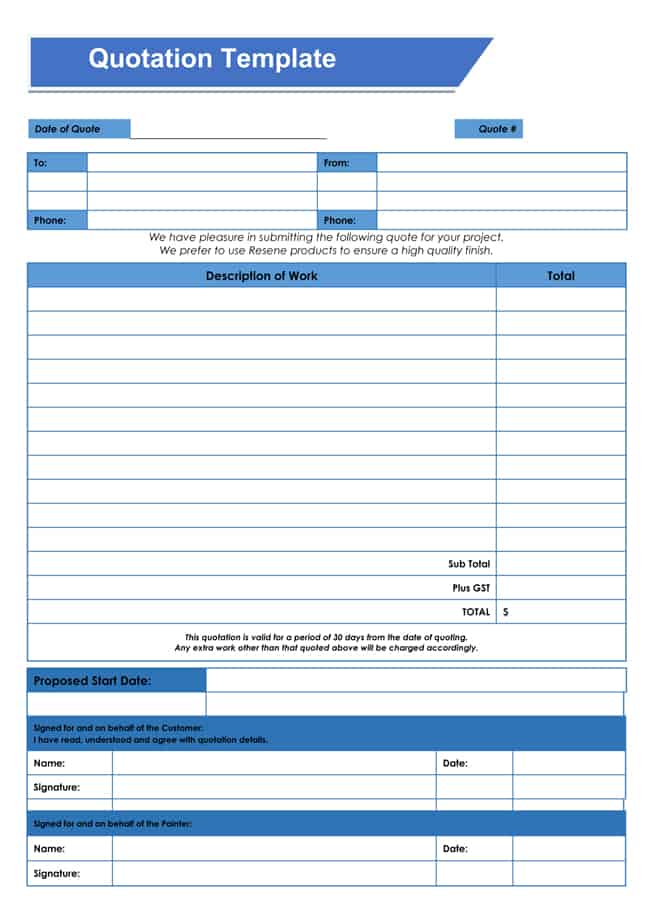
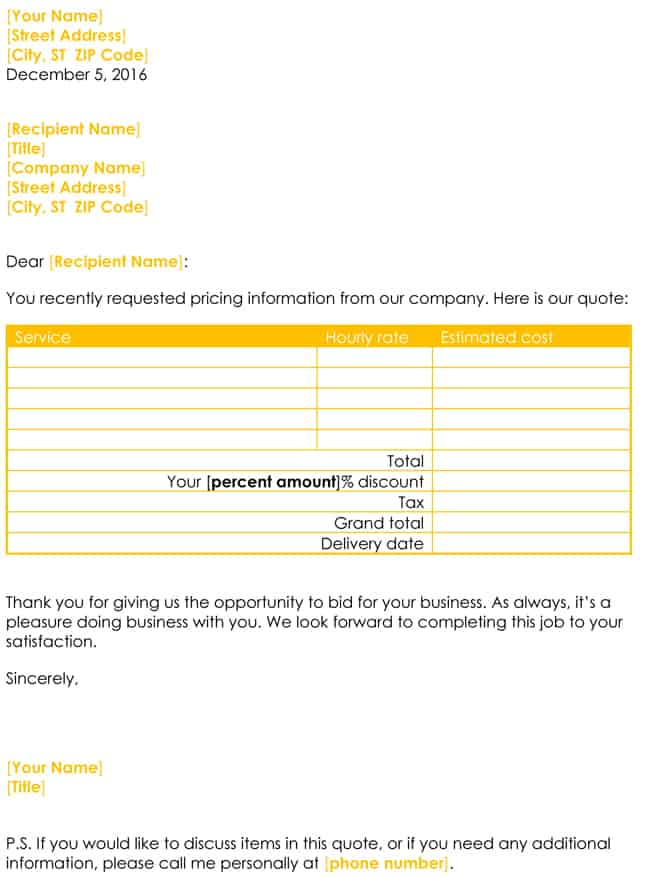
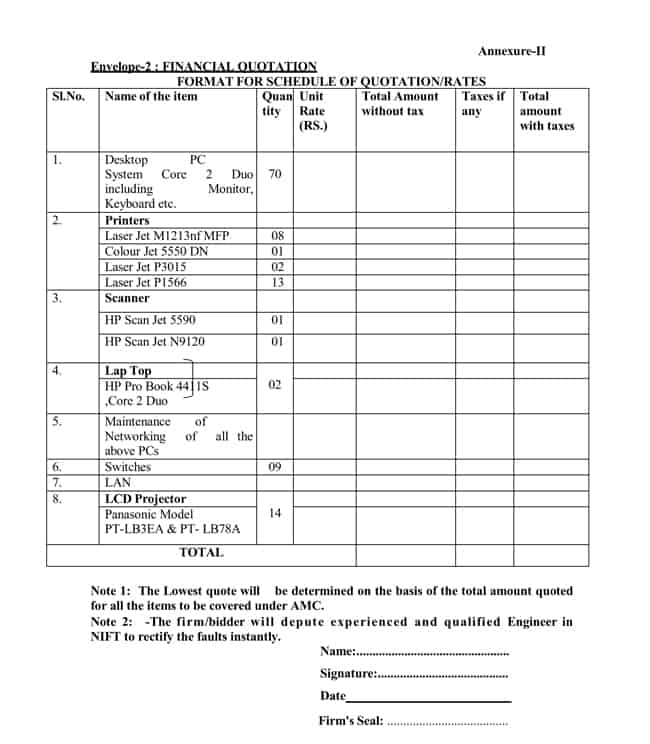
A quotation template is a ready-made document that helps sellers state the price and terms of goods or services. It contains the standard sections, such as business details, customer information, an itemized list, totals, validity period and terms. Quotes let customers know what a purchase will cost before they commit, and they give sellers a written record of the offer. Using a template makes your quotes consistent, saves time and reduces mistakes.
Why Use These Free Quotation Templates?
This collection is designed to cover a wide range of businesses. Whether you need a simple layout for occasional quotes or a detailed form for a regular service, you can find a template that fits. All templates can be edited, so you can add your logo, change the wording and adapt the layout. Because they are free, you can download several, compare them and keep the ones that work best for you.
What to Include in a Professional Quotation
- Your business information: name, logo, address, phone, email and website.
- Customer information: name, company and contact details.
- Quote number and dates: issue date and expiry date.
- Itemized details: descriptions, quantities and unit prices.
- Totals: subtotal, discounts, taxes and grand total.
- Terms: payment, delivery, warranty and cancellation.
- Acceptance: a signature line or instructions for confirming the quote.
How to Choose the Right Template
First decide what you are quoting, such as products, services, construction work or a vehicle. Then choose the format. Word templates are best for layouts with descriptions and design flexibility, and Excel templates are best for calculations and long lists of items. The previews below show each design, so you can pick one that needs the fewest changes. If you want a more specific layout, visit our quote templates collection or the quotation templates collection for additional categories.
Keeping Your Quotes Organized
As your business grows, you will send more quotes, and it becomes important to keep them organized. Use a numbering system, such as the year and a sequence number, so that every quote has a unique reference. Save the files in a folder for each customer, or in a folder for each month, and record the status of each quote as sent, accepted, declined or expired. Review your records regularly to see which types of quote lead to orders and which do not, and adjust your prices and wording accordingly.
Download Free Quotation Templates
Every template has a preview and a download button. Some downloads are ZIP files, so extract them before opening the document inside.
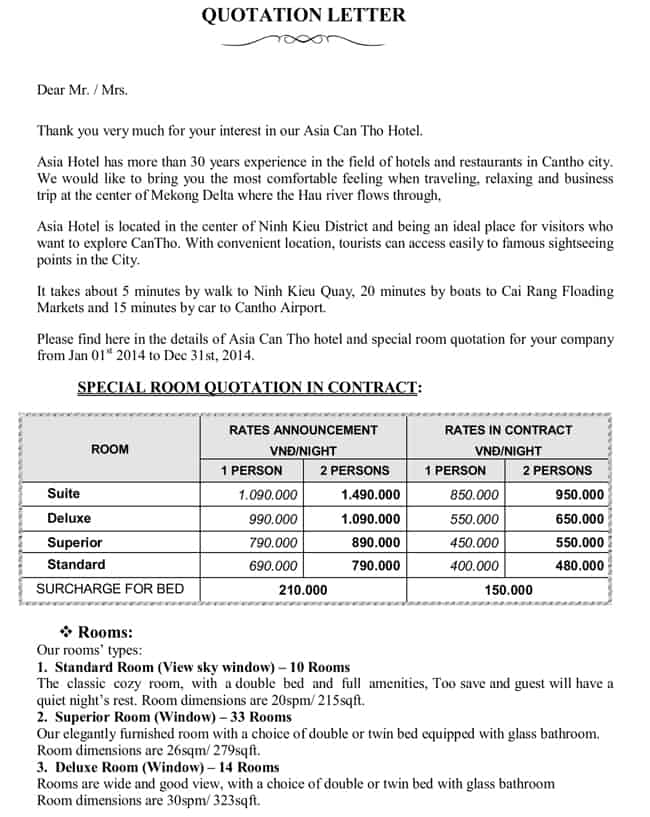
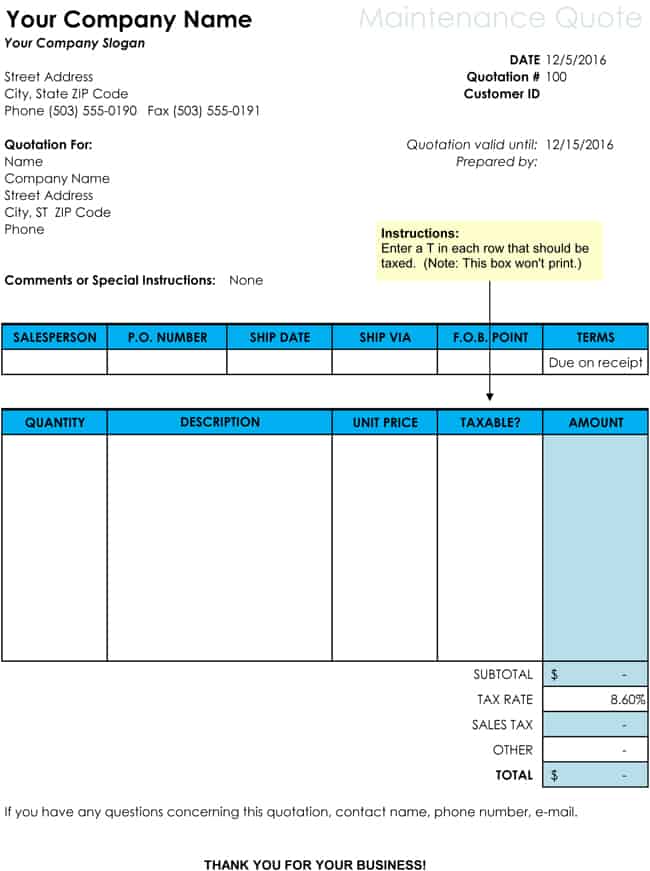
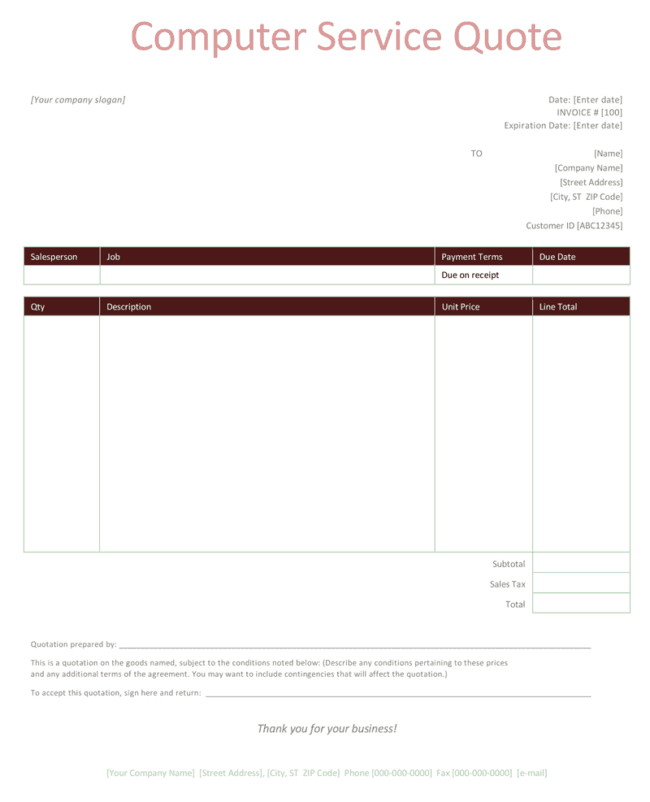
Some of Quote templates are:
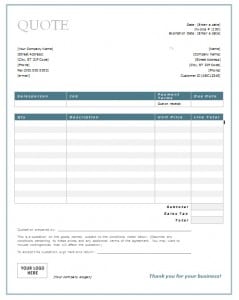

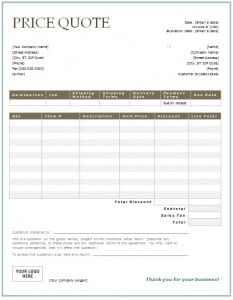
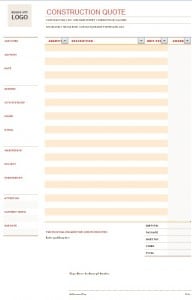
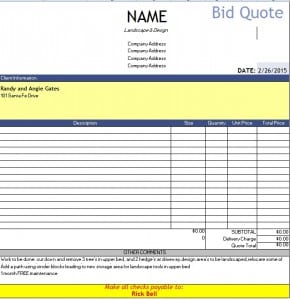
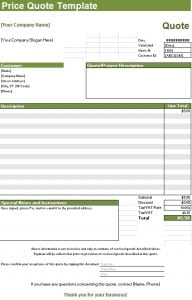
Sample Quotation Templates:
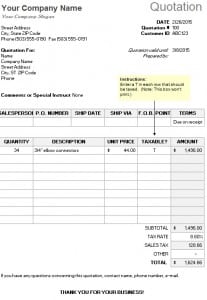
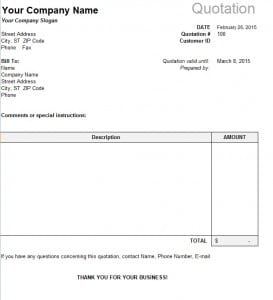
Serving Quotation Templates:
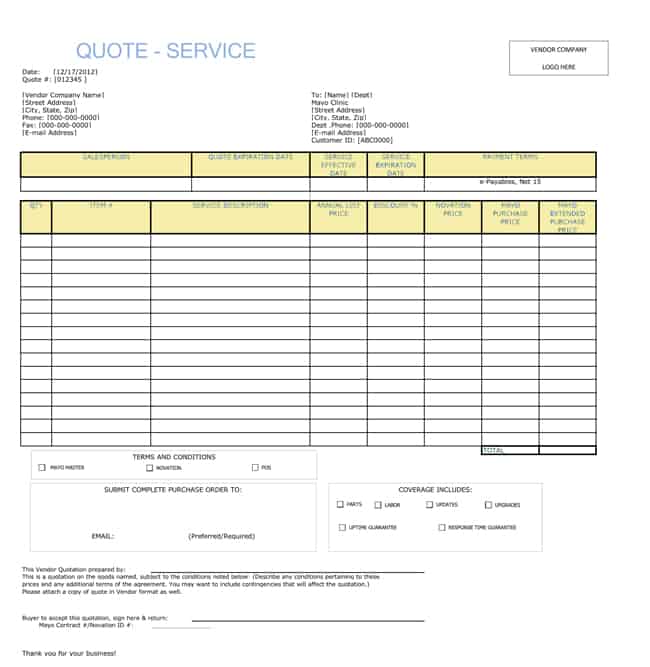

Popular Types of Quotes
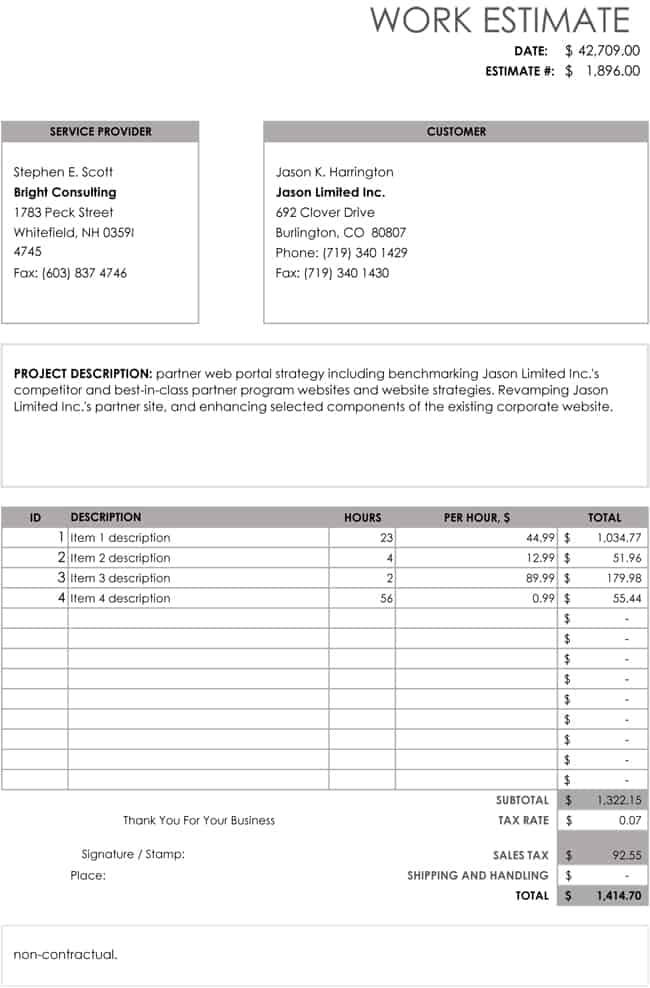
Many users start with a price quote template for general sales, a service quote template for professional services or an Excel quotation template for automatic calculations. You will also find layouts for hourly rates, work and job estimates, construction, vehicles, hotels, insurance, maintenance and medical services. Each of these has its own page with additional detail and templates.
How to Create a Quote Step by Step
- Select a template. Choose the layout that matches your business.
- Download and save a copy. Name it with the customer and quote number.
- Add your details. Enter your business information and the customer’s information.
- List the items. Add descriptions, quantities and prices.
- Check the totals. Verify taxes, discounts and the grand total.
- State the terms. Include payment conditions and the validity period.
- Send the quote. Export to PDF or print it, and follow up with the customer.
Tips for Quotes That Win Business
Respond quickly, because early replies often win the job. Be clear and specific, and avoid hidden charges. Highlight the value you offer, such as quality, support or delivery speed. Keep your design simple and professional. Follow up a few days after sending, and keep a record of all quotes so you can review which ones succeed.
Who Should Use This Collection?
Small business owners, freelancers, contractors, hotels, clinics, insurance agents, retailers, wholesalers, service providers and students can all use these templates. If you need to send quotes regularly, download a few favorites and keep them as your master files.
Frequently Asked Questions About Quotation Templates
How many quotation templates are available in this collection?
The collection offers more than sixty free templates in Word and Excel formats, covering a wide range of business needs.
Are all these templates free?
Yes. You can download, edit and use them for personal and commercial purposes at no cost.
Which format should I choose, Word or Excel?
Use Word for simple, elegant quotes with descriptions and Excel when you need automatic calculations or long item lists.
Can I customize the templates?
Yes. You can add your logo, change colors and fonts, update the items and prices, and adjust the terms to your needs.
How do I open the ZIP files?
Extract the archive with your computer’s built-in tool and open the document inside with Word, Excel or a compatible program.
How long should a quotation be valid?
Fifteen to thirty days is common. Use a shorter period if your prices change quickly, and always print the expiry date on the quote.
