
Turn inquiries into policies faster. These free insurance quote templates help insurance agents, brokers and agencies present premiums, coverage and terms in a clear, professional insurance quotation. Download a template, enter the client’s details and send a quote that is easy to compare and easy to accept.
What Is an Insurance Quote?
An insurance quote is an estimate of the premium a customer would pay for a specific insurance policy. It is based on information about the person, property or business to be insured and describes the type of cover, the sum insured, the deductible or excess, the policy period and the price. A quote is not the policy itself. It is an offer that the customer can review, compare with other insurers and accept if it suits their needs.
Why Agents and Brokers Need a Quote Template
Customers often ask several agents for prices, and the one who replies first with a clear document has an advantage. A template lets you produce a consistent, well-organized quote every time, with your branding and standard disclosures already in place. It also reduces errors in the details that matter most, such as the sum insured, the policy term and the exclusions.
What to Include in an Insurance Quote
- Agent or company details: name, logo, license number, address and contact information.
- Customer details: name, contact information and the person, vehicle, property or business to be insured.
- Type of insurance: life, health, motor, home, travel, business or another line.
- Coverage summary: what is covered, the sum insured and key benefits.
- Deductible or excess: the amount the customer pays before the insurer pays.
- Premium: the price per month, quarter or year, plus taxes and fees.
- Policy period: start and end dates.
- Exclusions and limitations: what is not covered.
- Optional add-ons: extra cover the customer can choose, with their prices.
- Validity and next steps: how long the quote holds and how to accept it.
How to Prepare an Insurance Quotation Step by Step
- Collect the necessary information. Ask about the customer’s needs, history and the details of what is to be insured.
- Compare insurer options. Check the premiums and terms of the products you can offer.
- Fill in the template. Enter the customer and coverage details and the premium.
- Explain the exclusions. Make sure the customer understands what the policy does not cover.
- Add the validity date. Premiums can change with risk factors and insurer rates.
- Review and send. Check that the figures match the insurer’s official quotation before sending.
Tips for Presenting Insurance Quotes
Use plain language, because many customers find insurance terms confusing. Show the price and the cover side by side, and point out the deductible, since it strongly affects the true cost of a claim. Offer two or three options, such as basic, standard and comprehensive, so customers can choose according to their budget. Add a short note explaining how to accept the quote and how quickly cover can begin. Always follow the disclosure and licensing rules that apply in your country or region, because insurance is a regulated activity.
Common Mistakes to Avoid
The most common errors are quoting from outdated rates, leaving out exclusions, confusing the sum insured with the premium and forgetting to state how long the quote is valid. Another problem is promising cover that the insurer has not confirmed. Treat your template as a professional summary and make sure any binding terms come from the insurer.
Who Can Use These Insurance Quote Templates?
Independent agents, brokers, agency staff, bancassurance officers and small insurance firms can use these templates. They can also serve as a model for comparison sheets that show several insurers side by side for a client.
How to Use These Templates
Download the template you prefer using the buttons below and save a copy on your computer. Add your agency name and logo, then enter the customer information and coverage details for each new quote. Save it under the client’s name and send it as a PDF by email or print it for a meeting. Keep the blank original for future use.
Building Trust When You Quote Insurance
Customers buy insurance on trust. Send your quote with a short note that explains why you chose the recommended cover, and invite questions. Keep a written record of the information you used, so that you can show how the quote was prepared if the customer later asks. Update your template whenever an insurer changes its products or your licensing information changes.
Download Free Insurance Quote Templates
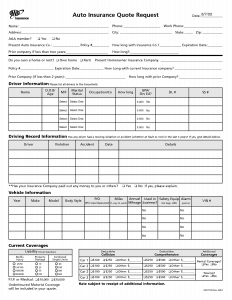
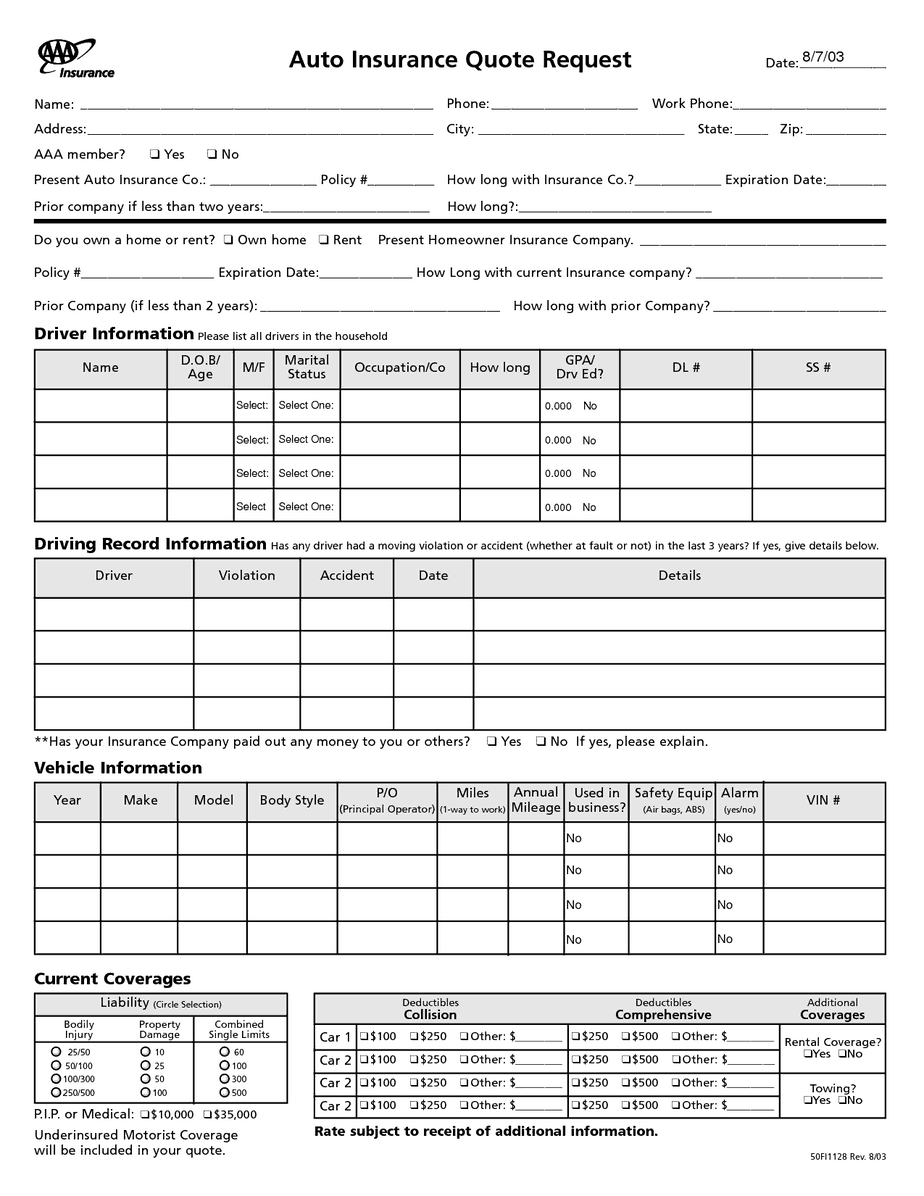
Download Free Insurance Quote Template (Excel)
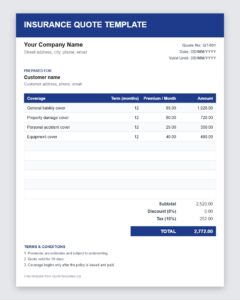

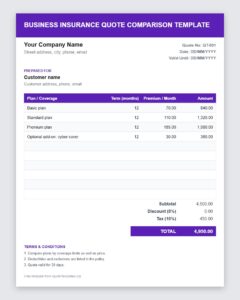
Download Free Business Insurance Quote Comparison Template (Excel)
Frequently Asked Questions About Insurance Quotes
What is an insurance quote?
It is an estimate of the premium and coverage terms that an insurer or agent offers a customer for a specific policy.
Are these insurance quote templates free?
Yes. You can download them, edit them and use them in your agency at no cost.
Is an insurance quote a guarantee of cover?
No. A quote is an offer based on the information provided. Coverage begins only when the policy is issued and the required premium is paid.
Why can the final premium differ from the quote?
The insurer may adjust the price if the information given changes, if underwriting finds additional risks or if rates change before the quote expires.
How long is an insurance quote valid?
Validity varies by insurer and product, commonly between fifteen and thirty days. State the exact date on your quote.
Should I include exclusions in the quote?
Yes. Listing the main exclusions helps customers understand the policy and reduces disputes later.
