

Give your customers a quotation that looks as professional as your work. These free Word quotation templates offer more than ten editable Microsoft Word documents for creating clear, well-formatted quotations. Download a design you like, add your details and send a polished quote in minutes.
What Is a Word Quotation Template?
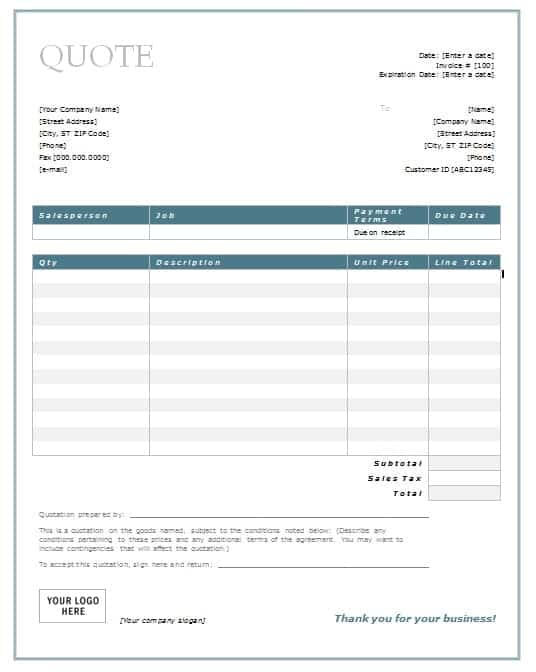
A Word quotation template is a ready-made document that already includes the layout and sections of a quotation: your business header, the customer’s details, an itemized table, totals and terms. You only need to replace the sample content with your own information. Because it is a standard Microsoft Word file, you can customize fonts, colors, spacing and images, and you can export the finished quotation to PDF for emailing.
Benefits of Using These Templates
Templates save time, reduce mistakes and give your business a consistent, professional look. They remind you to include important details such as the validity period and payment terms. They also make it easy to produce a quotation quickly when a customer asks for a price, which increases your chances of winning the job. Because you can save each quotation as a separate file, you build a useful record of your offers.
What to Include in a Professional Quotation
- Company letterhead and contact details.
- Client name, address and quotation date.
- Quotation number and validity period.
- A detailed description of products or services.
- Quantity, unit price and line totals.
- Subtotal, taxes, discounts and grand total.
- Payment terms, delivery information and conditions.
- A signature area for acceptance.
How to Complete a Word Quotation Step by Step
- Choose a design. Compare the previews below and pick the layout you prefer.
- Download and save a copy. Name it clearly, for example with the client’s name and the date.
- Insert your branding. Add your logo, business name and contact information.
- Enter the client details. Add the name, company and address.
- Fill the item table. Type each item, quantity and price.
- Verify the amounts. Check the totals by hand or with a calculator.
- Add terms. State payment conditions, delivery time and how long the quotation is valid.
- Save as PDF and send. Email the file or print it for delivery.
Examples of Wording for a Quotation
Well-chosen wording makes a quotation easier to accept. A friendly opening might read: Thank you for the opportunity to quote for your project. Below is our offer for the items you requested. For the terms, you might write: Prices exclude tax unless stated. Payment is due within fourteen days of invoice. This quotation is valid for thirty days. For the closing: To accept this quotation, please sign below and return a copy by email. Short, direct sentences like these are easy for customers to read and act upon.
It is also helpful to state the delivery or completion time in a specific way, for example, Delivery within ten working days of order confirmation, instead of vague phrases such as as soon as possible. If there are assumptions behind your price, such as customer-supplied materials or access to the site, list them in a short notes section. This protects you if circumstances change and helps the customer understand what the price depends on.
Finally, remember to check that the customer’s name and address are correct, because errors in these details make a document look careless. A few minutes of proofreading can protect your reputation and help you close the sale.
Download Free Word Quotation Templates
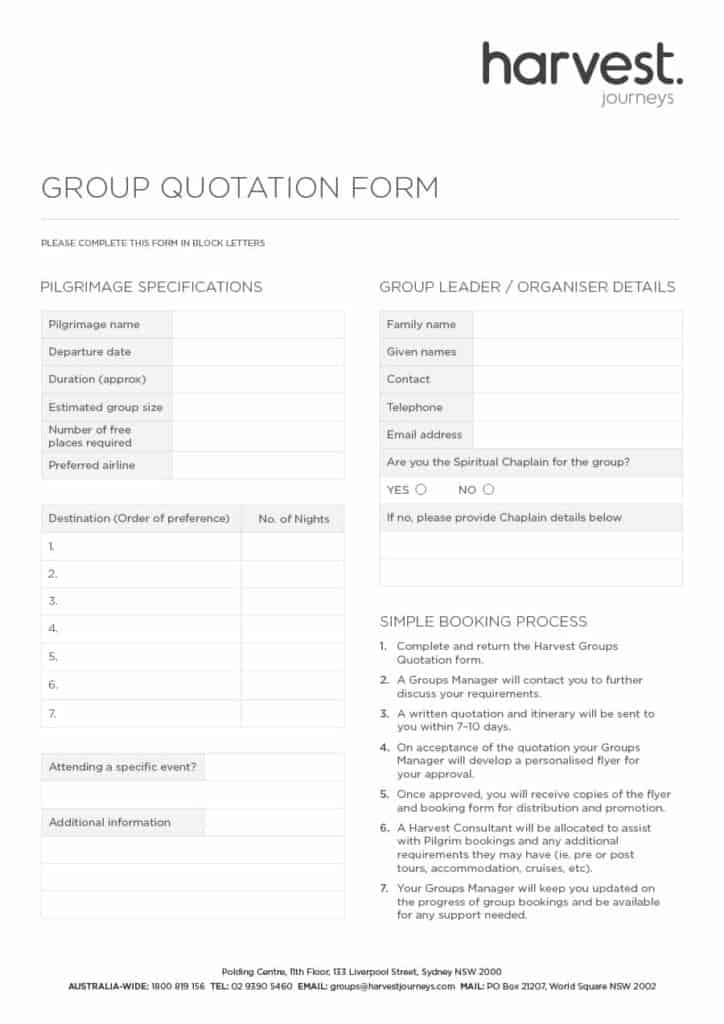
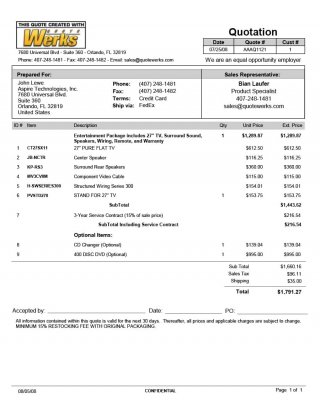
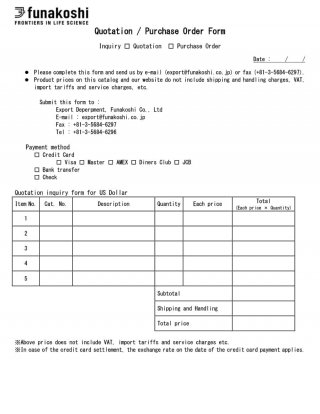
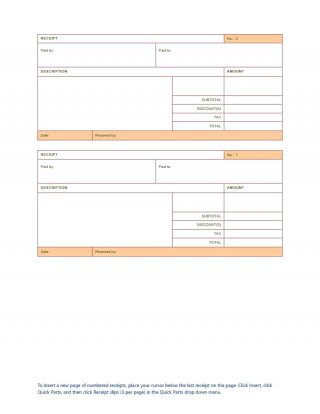
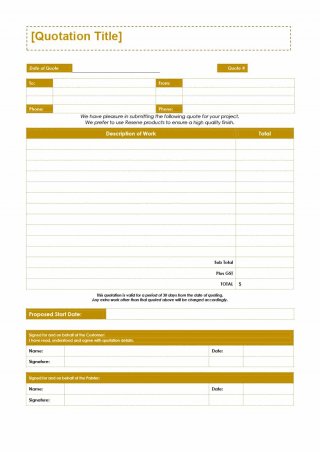
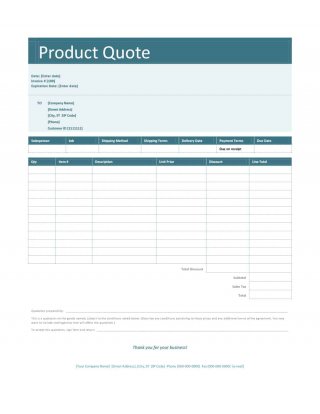
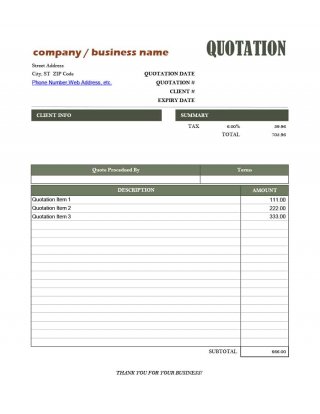
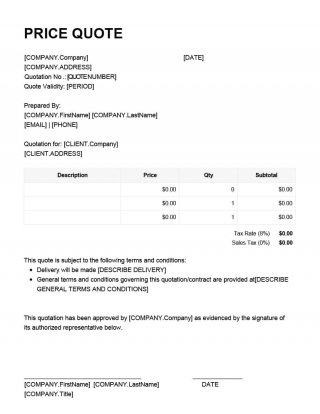
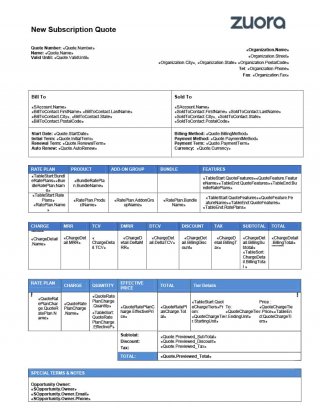
Each template has a preview image and a download button. The downloads are Word documents in the .docx, .doc and .dotx formats.
Download Free Word Quotation Templates:





Tips for Better Quotations
Write descriptions that are specific enough to avoid misunderstandings, and keep the language simple. Show your totals clearly and be transparent about taxes and additional charges. Add a short thank-you note and clear instructions on how to accept the quotation. Reply quickly, because the supplier who responds first with a clear price often has an advantage. If you offer discounts for early acceptance, mention them in the document.
Common Mistakes to Avoid
Typical mistakes include leaving sample text in the document, forgetting to update the date, omitting the expiry date and making arithmetic errors. Proofread every quotation and confirm that the names, numbers and terms are correct before you send it.
Who Should Use These Word Quotation Templates?
Service providers such as IT specialists, marketers and cleaners, as well as contractors, freelancers, wholesalers, retailers and small businesses, can use these templates. They are also helpful for students and startups that need professional documents quickly.
Frequently Asked Questions About Word Quotation Templates
Are these Word quotation templates free?
Yes. You can download, edit and use them for your business at no cost.
Which programs can open the templates?
They open in Microsoft Word and in most word processors that support the .docx, .doc and .dotx formats.
What is a .dotx file?
It is a Word template. Opening it creates a new document based on the template, so the original remains unchanged.
Can I add my logo and change the colors?
Yes. You can edit the header, fonts and colors to match your branding, and save the customized file as your own template.
How long should a quotation be valid?
Fifteen to thirty days is common. Use a shorter period when prices can change quickly.
Should I convert the quotation to PDF before sending it?
Yes, in most cases. A PDF preserves the layout and prevents unintended changes.

