

Win more building work with a clear, professional price. These free construction quote templates give general contractors, builders, renovators and trade specialists more than a dozen ready-to-edit formats for creating a detailed construction quotation. Download the layout that matches your job, add your details and send a quote that clients can understand at a glance.
What Is a Construction Quote?
A construction quote is a formal offer to complete a defined building or renovation job for a stated price. It sets out the scope of work, the materials, the labor, the timeline and the terms of payment. Unlike a rough estimate, a quote is intended to be accepted, and once the client signs it, it forms the basis of the agreement. Clear quotes reduce misunderstandings about what is included and protect both the contractor and the client.
Construction Quote vs. Estimate vs. Bid
An estimate is an approximate calculation that may change as details emerge. A bid is a competitive offer submitted against other contractors, often in response to a tender. A quote is a firm price for a specified scope. Many contractors use all three at different stages: an estimate for early budgeting, a bid for competitive work and a quote for the final agreement with the client.
What to Include in a Construction Quote
- Contractor information: business name, logo, address, phone, email, license and insurance details.
- Client and site information: the client’s name, contact details and the project address.
- Quote number, date and validity period.
- Scope of work: a description of each task, phase or trade included.
- Materials: items, quantities and unit prices.
- Labor: hours, rates or fixed prices for each trade.
- Equipment and subcontractors: rentals, scaffolding and specialist work.
- Permits, inspections and disposal: fees and waste removal.
- Timeline: start date, milestones and expected completion.
- Payment schedule and terms: deposit, progress payments and final payment, along with warranty and change-order rules.
How to Prepare a Construction Quote Step by Step
- Review the plans and visit the site. Confirm the scope, measurements and site conditions.
- Take off quantities. Calculate the materials needed for each part of the job.
- Price materials and labor. Use current supplier prices and realistic productivity rates.
- Add subcontractors, permits and equipment.
- Include overhead, profit and contingency.
- Fill in the template. Enter every line and check the totals.
- Explain exclusions and change orders. State what is not included and how additional work will be priced.
Choosing the Right Template
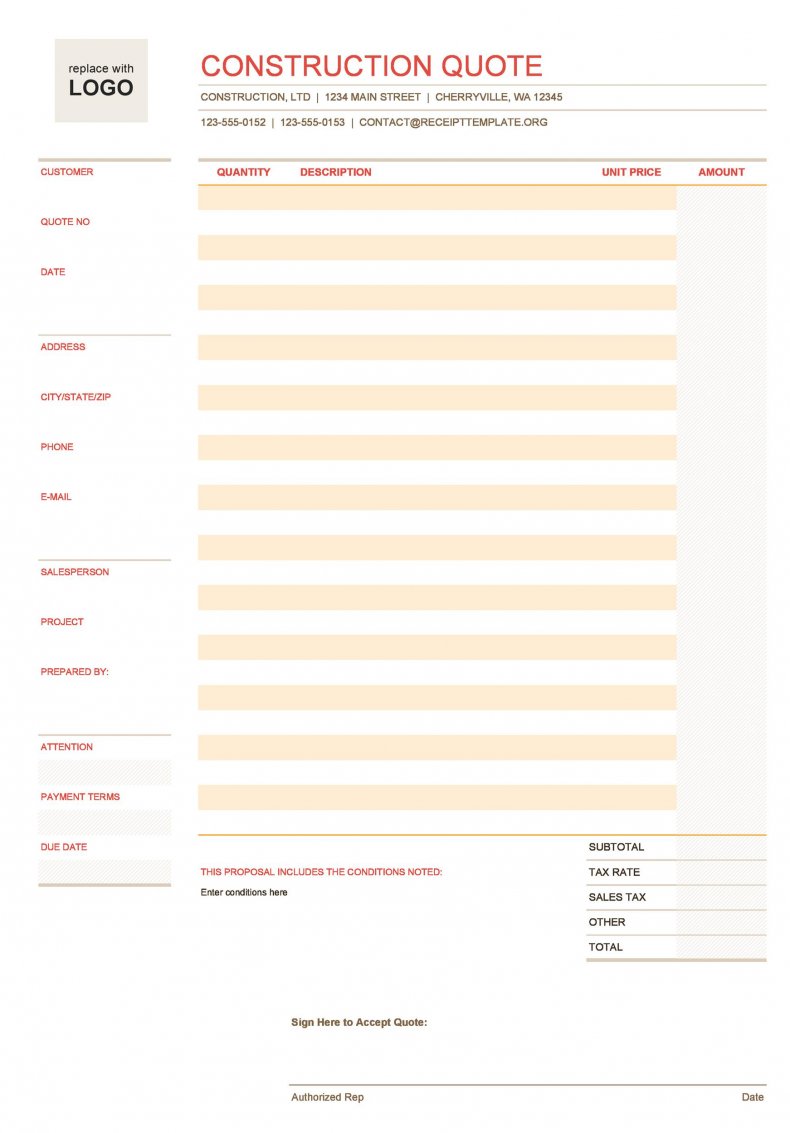
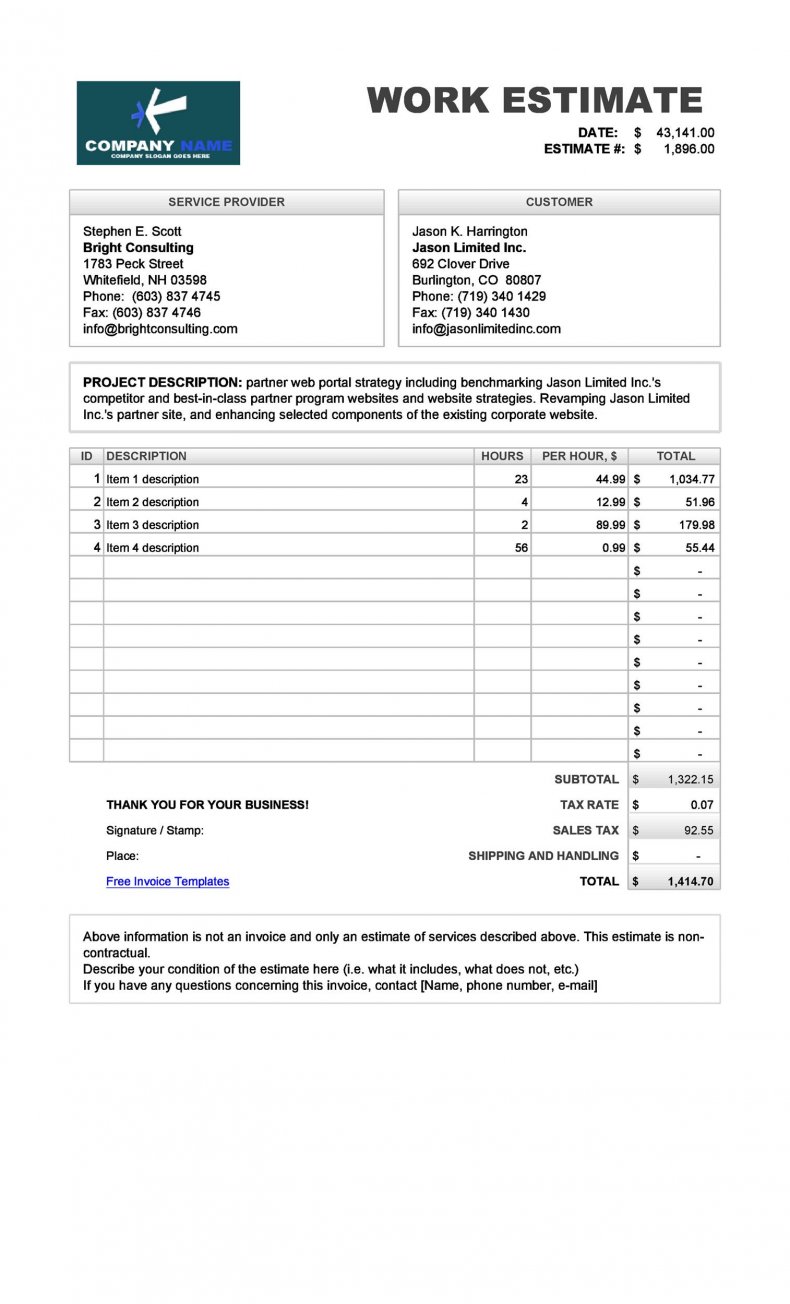
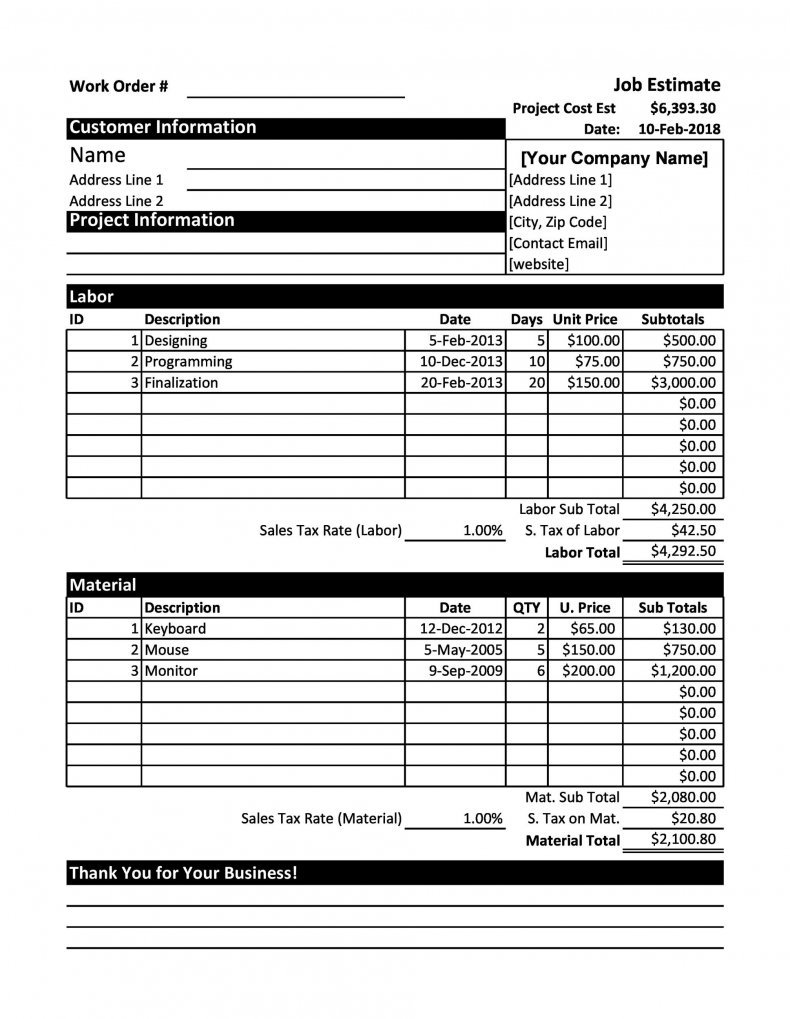
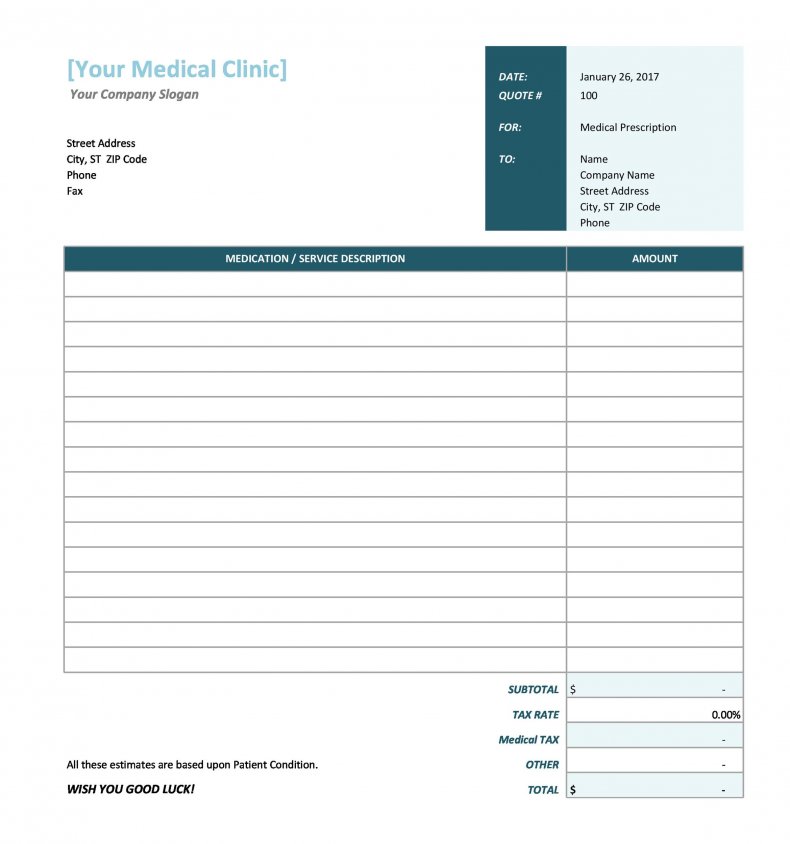
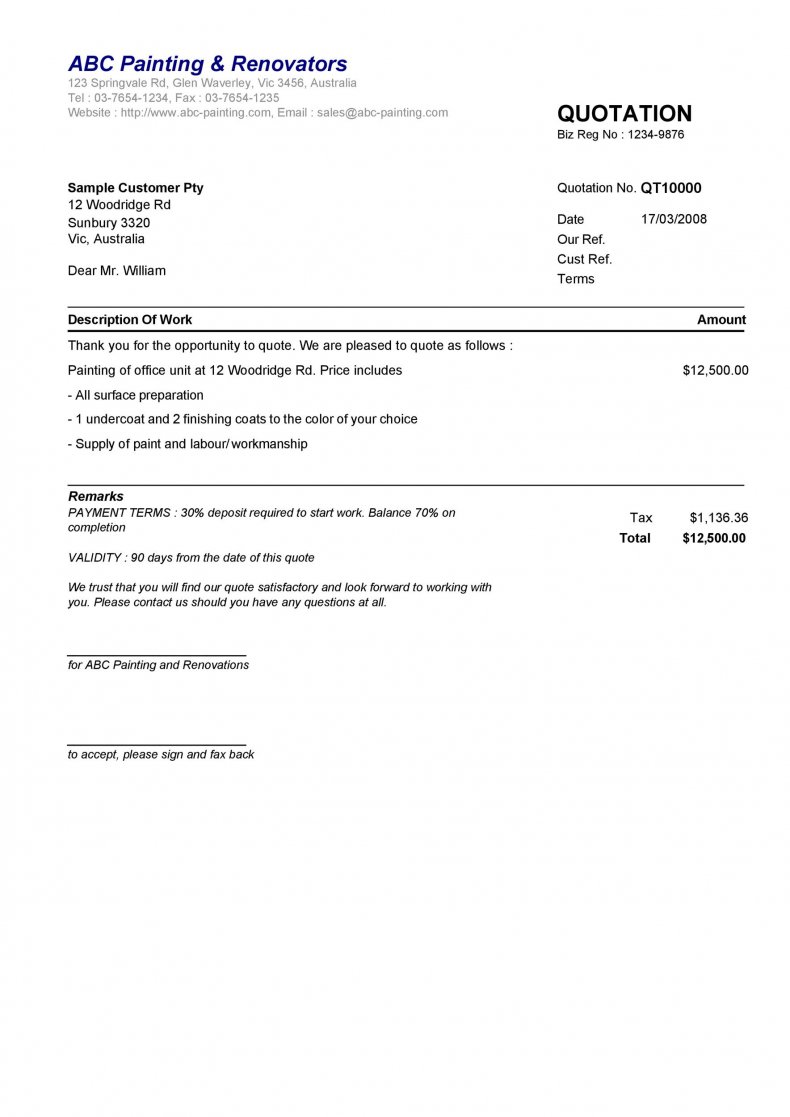
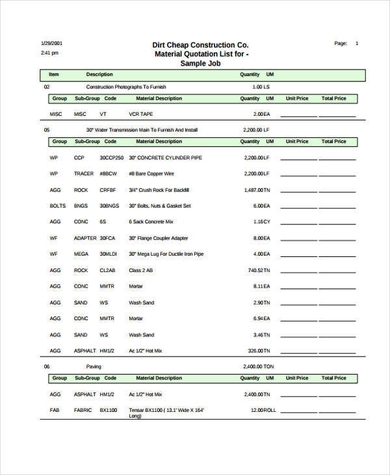
The templates below cover different needs. Some are short one-page quotes for small repairs, while others provide detailed tables for materials, labor and phases. Browse the previews, pick the one closest to your project type and download it. You can add or delete rows to suit your job.
Common Cost Items to Remember in Construction Quotes
Missing an item is the fastest way to lose profit on a job. Check your quote for site preparation, demolition and waste removal, scaffolding and access equipment, temporary power or water, protection of existing finishes, fasteners and consumables, delivery charges, inspections and cleaning at the end. It also helps to mention allowances for items that the client has not yet chosen, such as tiles, fixtures or paint, so that the price can be adjusted fairly once the selection is made.
Download Free Construction Quote Templates
Download Construction Quote Templates:


Who Should Use These Construction Quote Templates?
General contractors, home renovation companies, electrical and plumbing contractors, roofers, painters, commercial construction firms, subcontractors and property developers can all use these templates. Homeowners can also use them as a checklist when they compare quotes from different builders.
Tips for Winning Construction Jobs
Present your quote clearly, with a logical breakdown that helps the client understand the price. Describe the quality of materials, mention warranties and explain how you will handle changes. Include your license and insurance information to build confidence. Follow up promptly, offer to walk through the quote and answer questions. Keep a record of every quote and its outcome so you can refine your pricing.
How to Use These Templates
Download the file, save a copy under the project name and replace the sample details with your own. Confirm all totals, add your validity date and terms, then print the quote or send it as a PDF. Keep the blank original as your master template.
Frequently Asked Questions About Construction Quotes
What is the difference between a construction quote and an estimate?
A quote is a firm price for a defined scope of work, while an estimate is an approximation that may change as the project develops.
Are these construction quote templates free?
Yes. You can download, edit and use them for your own projects at no cost.
How long should a construction quote be valid?
Thirty days is common, but material prices can change quickly, so shorter periods may be sensible. Always state the expiry date.
What should I do about changes after the client accepts the quote?
Use a written change order that describes the extra work and its price, and get the client’s approval before you proceed.
Should I include a contingency in a construction quote?
Many contractors include a contingency or allowance for unknowns, especially in renovations. Be transparent about how it works.
Can homeowners use these templates?
Yes. Homeowners can use them as a reference when comparing contractor quotes and checking that each one covers the same scope.

